Quick answer (40–55 words): For a beginner doing this repair shop software comparison, RepairDesk is the most feature-complete option built specifically for repair shops. CellSmart POS is a strong pick if you also sell used devices. Orderry fits shops that want flexibility and multi-location support. Your actual best choice depends on shop size, budget, and workflow needs.
You want a side income or a full shop. You’ve heard you need POS software, but three names keep coming up: RepairDesk, CellSmart, and Orderry. Which one is right for a new or growing phone repair business? This article answers that question in plain English with no fluff.
This is a repair shop software comparison written for people who are in the early stages of building a phone repair business — not for enterprise IT managers. If you’re still building your skills, CPU Academy’s Starting a Mobile Phone Repair Business: The Complete Course covers the business side in detail alongside the technical training.
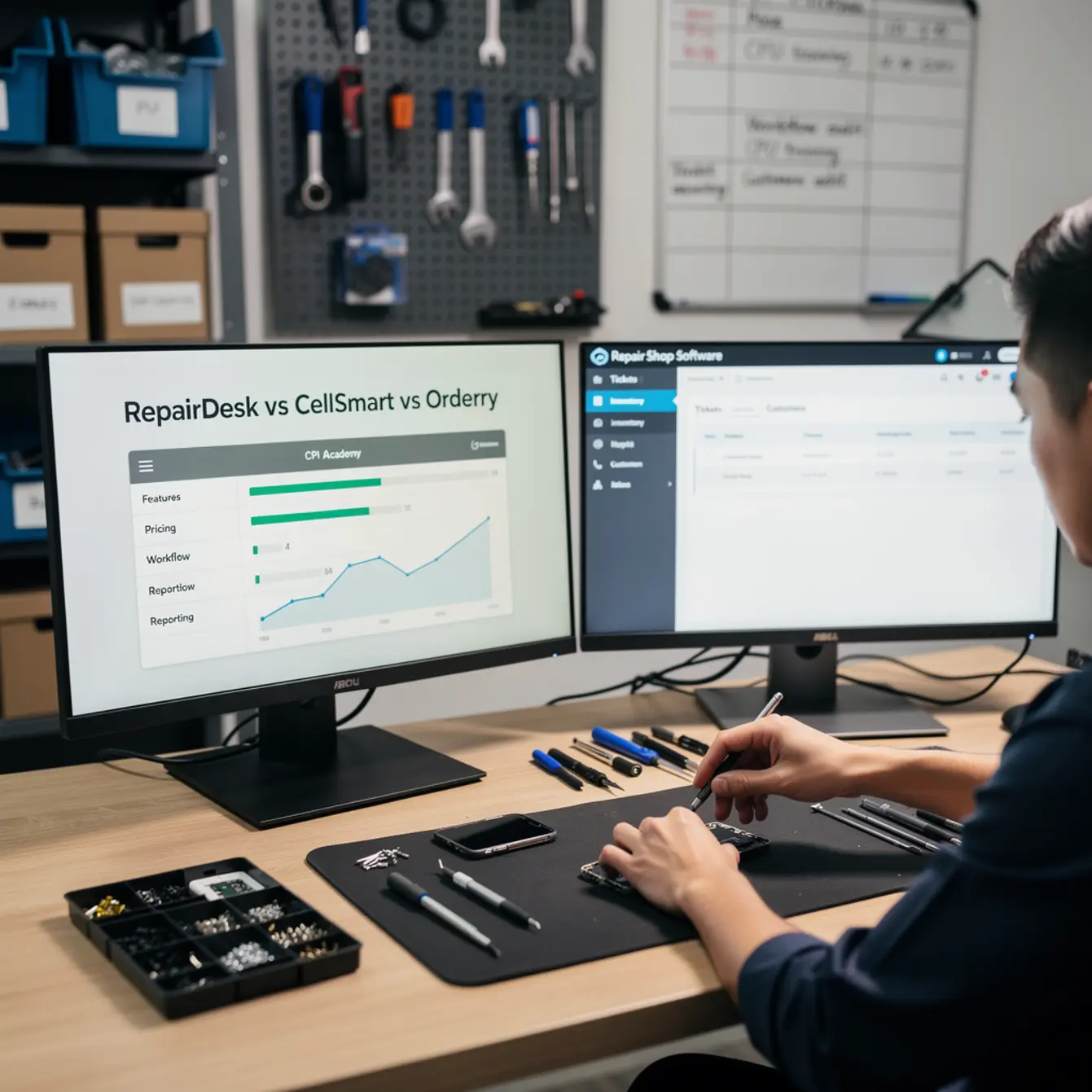
Quick answer: cost, margin, or decision upfront
Most new shop owners ask the wrong first question. They ask “which software is best?” when they should ask “which software fits where I am right now?”
Here is the short version before we go deeper:
- RepairDesk — built from the ground up for repair shops. Handles intake tickets, repair tracking, parts inventory, invoicing, and customer communication. Strong ecosystem of integrations. Good fit for a dedicated repair shop that wants one system to run everything.
- CellSmart POS — designed for cell phone retailers and repair shops that also buy, sell, and trade used devices. If your shop will have a retail side (selling phones, accessories, buybacks), CellSmart’s retail-first design makes sense.
- Orderry — a flexible, cloud-based work-order management system that works for repair shops, auto shops, and other service businesses. Good for shops that need custom workflows or plan to grow to multiple locations.
Bottom line before the table: If you are opening a focused phone repair shop and want software built for repair tickets and customer trust, start with RepairDesk. If your plan involves retail device sales alongside repairs, look at CellSmart. If you want a flexible multi-service platform, evaluate Orderry.
Startup cost reality check
POS software is a monthly operating cost, not a one-time purchase. Factor it into your cell phone repair business plan from day one. Most of these platforms offer tiered plans — solo technician pricing is lower than multi-tech pricing.
Before you sign up for anything, run a 30-day trial. All three platforms offer trials or demos. Do not pay for a full year until you have used the system on real tickets.
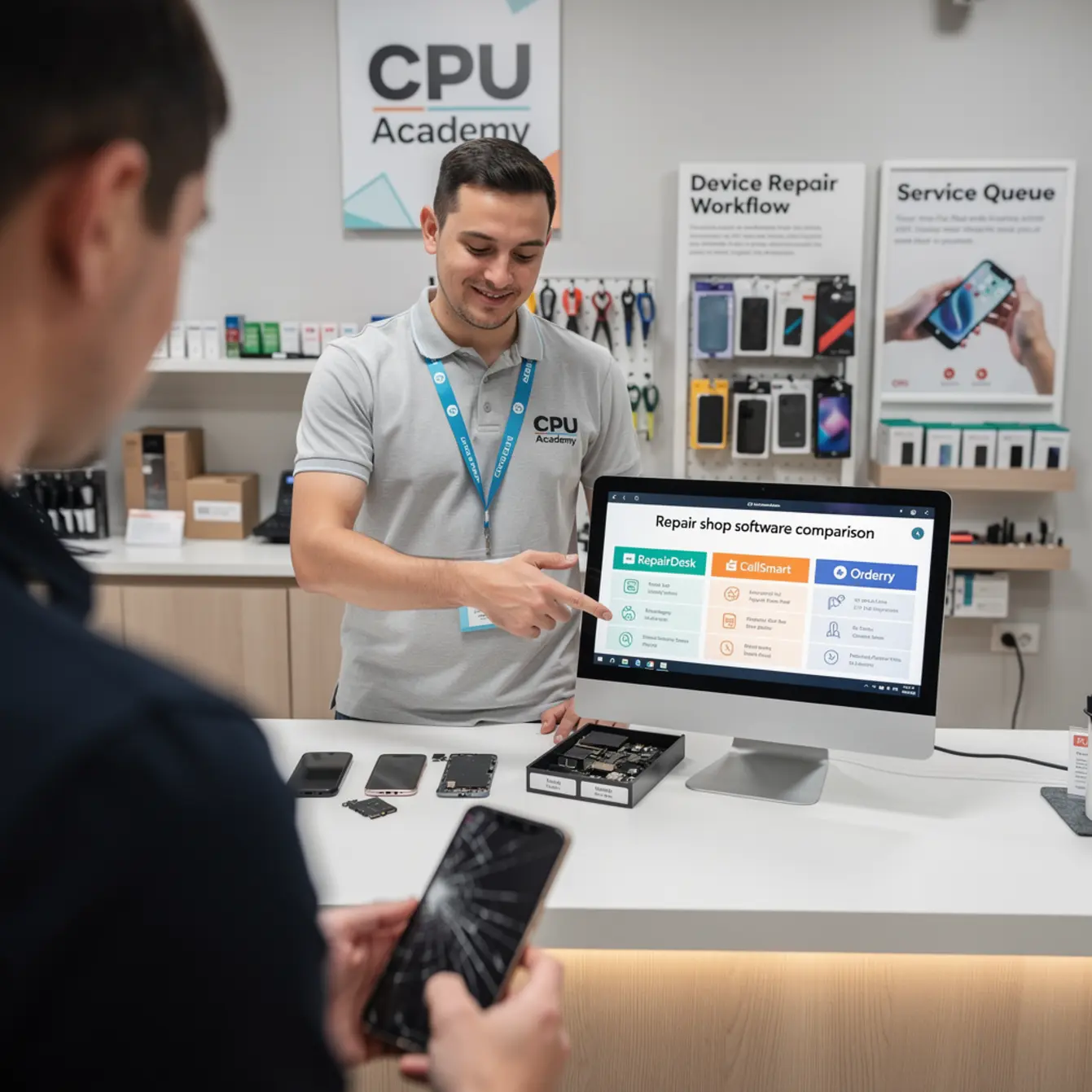
Repair shop software comparison table & checklist
This table covers the features that matter most to a new or growing repair shop. Use it as a decision checklist, not a definitive feature audit — always verify current features on each vendor’s website before you buy.
| Feature / Need | RepairDesk | CellSmart POS | Orderry |
|---|---|---|---|
| Repair ticket management | ✅ Core feature | ✅ Included | ✅ Work orders |
| Parts inventory tracking | ✅ Built-in | ✅ Built-in | ✅ Built-in |
| Customer SMS/email notifications | ✅ Automated | ✅ Included | ✅ Included |
| Device buyback / trade-in | ⚠️ Limited | ✅ Strong | ⚠️ Limited |
| Multi-location support | ✅ On higher plans | ✅ Available | ✅ Built for it |
| Online booking / customer portal | ✅ Available | ⚠️ Check vendor | ✅ Available |
| Reporting & analytics | ✅ Detailed | ✅ Good | ✅ Flexible |
| Best for retail device sales | ⚠️ Partial | ✅ Primary use case | ⚠️ Service-focused |
| Ease of setup for beginners | ✅ Good onboarding | ✅ Moderate | ⚠️ More setup required |
✅ = strong support | ⚠️ = partial or plan-dependent | Always verify current features at each vendor’s official website before purchasing.
RepairDesk is best for:
- Dedicated repair-only shops
- Shops wanting automated customer updates
- Beginners who want clear onboarding
Not ideal for:
- Heavy retail / used device resale
CellSmart is best for:
- Shops with a retail storefront
- Buy/sell/trade device models
- Carrier activations & accessories
Not ideal for:
- Pure repair-only shops
Orderry is best for:
- Multi-location or growing shops
- Shops with mixed service types
- Teams needing custom workflows
Not ideal for:
- Solo tech who wants fast setup
If you want the option built for practical, real-device learning rather than scattered theory, start here: Starting a Mobile Phone Repair Business: The Complete Course. It covers your pricing menu, customer intake process, and the business systems that make software like this actually useful from day one.
What this looks like in the real world
Software is only as useful as the workflow behind it. Let’s make this concrete with a realistic example.
Case example: Jay’s first 30 days with POS software
Jay opens a small mobile cell phone repair business out of a rented kiosk space in a strip mall. He repairs screens, batteries, and charging ports on iPhones and Samsung devices. He doesn’t sell phones — just repairs them.
In week one, he signs up for a trial of RepairDesk. He sets up his three most common repair jobs with fixed prices: screen replacement, battery swap, and charging port repair. He enters his parts inventory so the system tracks what he has on the bench.
When a customer drops off a cracked iPhone, Jay creates a ticket in under two minutes. The system sends the customer an automatic text when the phone is ready. The customer picks it up, pays through the integrated payment terminal, and gets a receipt by email. Jay didn’t have to text anyone manually or write a single paper receipt.
By the end of week two, Jay has a parts cost report that shows him exactly what his gross margin looks like per repair type. He adjusts his battery swap price slightly because his parts cost had crept up. That kind of visibility is what separates a shop with a real cell phone repair business plan from one that’s just guessing.
Gross vs net: why software visibility matters
Gross margin tells you how much you keep per repair after parts. Net margin is what’s left after software subscriptions, rent, tools, and your own time.
A POS system helps you track gross margin per job automatically. Without it, most new shop owners undercharge — and they don’t know it until they’re three months in and wondering where the money went.
Parts sourcing and your phone repair pricing menu
Every platform above lets you log parts costs against tickets. This only works if you are honest about what you paid for each part, including shipping. Many beginners ignore shipping costs. A $4 LCD screen with $8 overnight shipping is actually a $12 part — and your pricing menu should reflect that.
Step-by-step action plan
Here is a simple sequence for choosing and setting up your repair shop software.
- Define your shop type first. Are you repairs-only? Repairs plus retail? Mobile/on-site? Your answer narrows the field immediately.
- List your top five daily tasks. Intake, ticketing, invoicing, parts tracking, customer updates? Make sure the software you pick handles those five without extra add-ons.
- Start a free trial before you commit. Run real test tickets through the system. Time yourself. If intake takes more than three minutes, that’s a red flag.
- Build your pricing menu inside the software. Load your top ten repairs with parts costs and labor. This single step will improve your profit visibility immediately.
- Set up automated customer notifications. A text or email when the repair is done is the cheapest trust-builder in any phone repair marketing plan. Customers who get proactive updates leave better reviews.
- Run your first real week, then audit. After 7 days, pull your report. What was your average ticket value? What was your most-repaired device? Use that data to adjust inventory and pricing.
Customer trust as a system, not an afterthought
Every one of these platforms has a customer-facing element — whether it’s a status update, a digital invoice, or a repair authorization form. Use it. A customer who gets a professional digital receipt trusts you more than one handed a handwritten note.
Customer trust is your best phone repair marketing plan asset in the first 90 days. Before you have reviews or a Google Business profile with traction, the customer experience inside your shop does all the selling.
Simple SOP for intake
Every phone that comes in should follow the same intake steps: document the damage in the ticket, note any pre-existing cosmetic damage, photograph the device, confirm the repair price, and get written authorization (digital or paper) before touching anything. Every platform above supports this workflow. Most beginners skip the photo step and regret it.
Mistakes that kill profit or trust
Here are the most common beginner errors when choosing and using repair shop POS software.
Mistake 1: Picking software before defining your workflow
Software does not create your process — it runs your process. If you don’t know how you want to handle intake, pricing, and parts yet, no software will fix that. Build your process first, even on paper, then find software that matches it.
Mistake 2: Ignoring parts cost when setting prices
This is the most common reason new phone repair business owners undercharge. They price based on what competitors charge rather than their own cost structure. Your parts, your supplier, your shipping speed, and your location all affect what you need to charge. Your POS system should help you see this — but only if you enter real costs.
Mistake 3: Skipping customer notifications
Customers who don’t hear from you will call, walk in, or leave a negative review before the repair is done. Automated notifications are not optional in a modern mobile cell phone repair business. Turn them on on day one.
Mistake 4: Buying annual plans before testing
Monthly plans cost more over time, but they give you the freedom to switch if the software doesn’t fit. Do not buy an annual plan until you have run at least 30 real tickets through the system.
Mistake 5: Treating software as a replacement for business knowledge
A POS system tracks your work. It does not teach you how to price, how to handle warranty disputes, how to source parts, or how to start phone repair business systems that scale. That knowledge has to come from somewhere else — and that’s exactly the gap CPU Academy is built to fill. CPU Academy is a smart fit for readers who want to turn repair skill into a small business with fewer costly beginner mistakes.
If you’re still building your technical foundation alongside your business setup, the Phone Repair Course gives you hands-on repair skills that make every ticket faster and more profitable. And if your shop will handle laptops alongside phones, the Laptop Repairing Course is a natural next step to increase your average ticket value.
Pre-launch software setup checklist
Before you go live with any repair shop POS, check every item below:
- ☐ Shop type defined (repair-only, retail+repair, mobile)
- ☐ Top 10 repair jobs entered with parts cost and labor price
- ☐ Parts inventory loaded with current stock levels
- ☐ Customer notification templates activated (SMS and/or email)
- ☐ Intake form / device check-in form configured
- ☐ Payment method connected and tested
- ☐ At least one test ticket created end-to-end before opening day
- ☐ Reporting dashboard reviewed — know how to pull a weekly revenue report
- ☐ Staff trained on ticket creation (if you have a second tech or counter staff)
- ☐ Monthly software cost entered into your operating budget
FAQ + next step
What should I look for in repair shop software as a beginner?
Focus on three things: repair ticket management, parts inventory tracking, and customer notifications. Everything else is secondary until your shop is running at least 20–30 tickets per week. Don’t pay for features you won’t use in your first 90 days.
Is POS software worth the monthly cost for a new shop?
Yes, for most shops. The time saved on manual invoicing, the profit visibility from parts tracking, and the trust built through automated customer updates all have real dollar value. The question is whether you use the software fully — a system you half-use is money wasted.
Can I run a phone repair business without POS software at first?
Yes, technically. Many people start with a spreadsheet and Square for payments. But as soon as you are doing more than 10 repairs per week, the lack of a proper ticketing system starts costing you time and creating mistakes. Building the habit early is easier than retrofitting it later.
Which of these platforms is easiest to set up for a solo technician?
Based on publicly available information, RepairDesk is generally considered more beginner-accessible for repair-specific shops because the default setup matches the repair workflow closely. Orderry requires more initial configuration because it’s designed to be flexible across service types. Always run a trial to confirm this for your own setup.
How long does it take to get a repair shop POS running?
Basic setup — creating your repair types, entering prices, and configuring notifications — can be done in an afternoon if you already know your pricing. The part that takes longer is entering your full parts inventory, especially if you carry a large selection. Budget a weekend for full
For an additional repair reference while comparing a repair shop software comparison, review RepairDesk; , CellSmart Pos; , Orderry; then use this guide to choose the structured training path that fits your goals.