By the CPU Academy Editorial Team | Updated June 2025
This is a field guide for anyone building or growing a phone repair business. It doesn’t matter if you’re still drafting your cell phone repair business plan or you already have a bench set up and just need more people walking through the door.
Three things get covered here: Google Business Profile setup, review generation, and local paid ads. No broad marketing theory, no fluff. If you want a repeatable, money-aware system for your phone repair business, this is the right place to start.
One thing worth saying upfront: marketing only converts when the business behind it is solid. Clear pricing, reliable turnaround times, a clean intake process that captures customer info properly — if that foundation isn’t there yet, even great ads will send people who don’t come back. CPU Academy’s Starting a Mobile Phone Repair Business: The Complete Course covers that operational side in detail. It’s built to make every marketing dollar work harder once you’re ready to spend one.
What a Phone Repair Marketing Plan Actually Covers
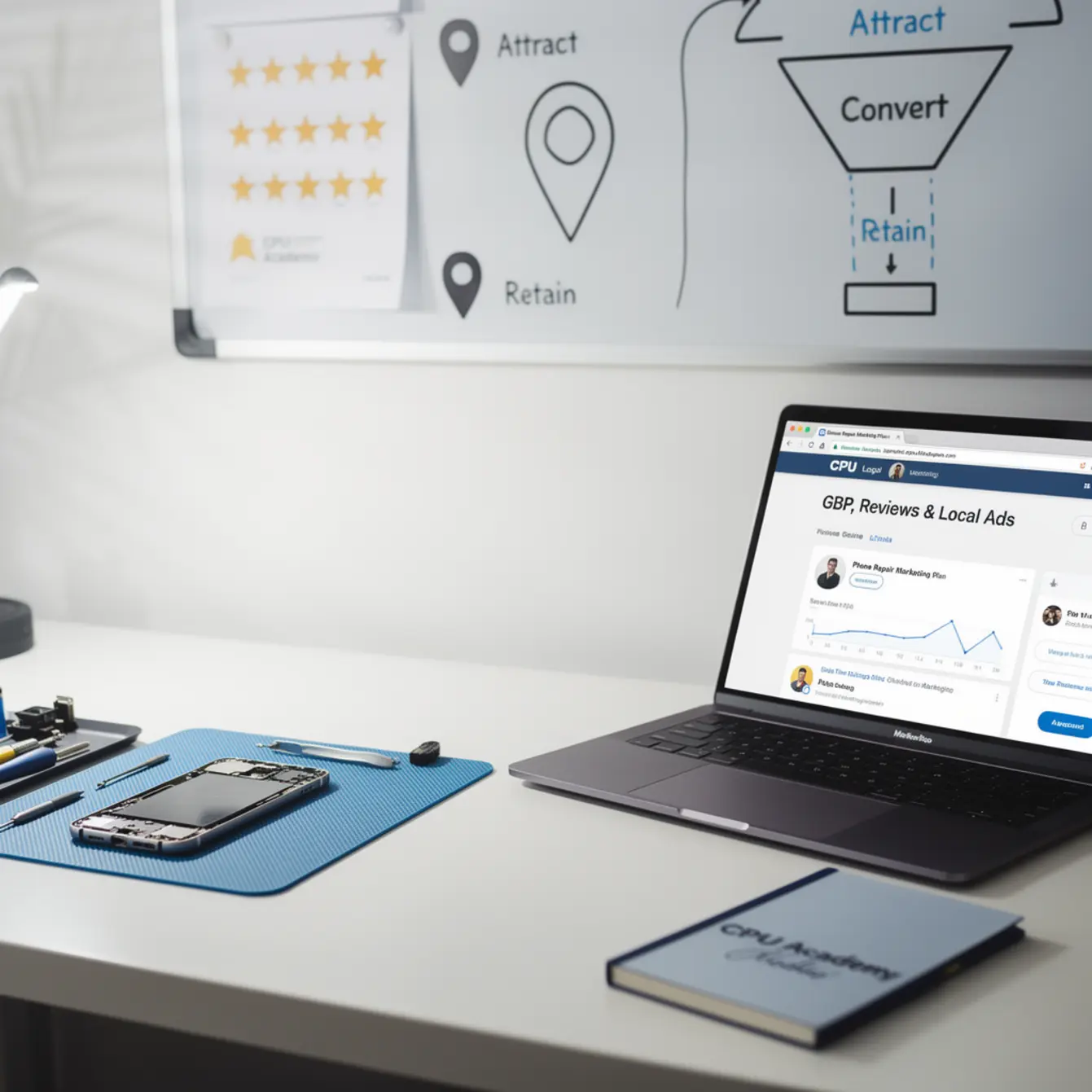
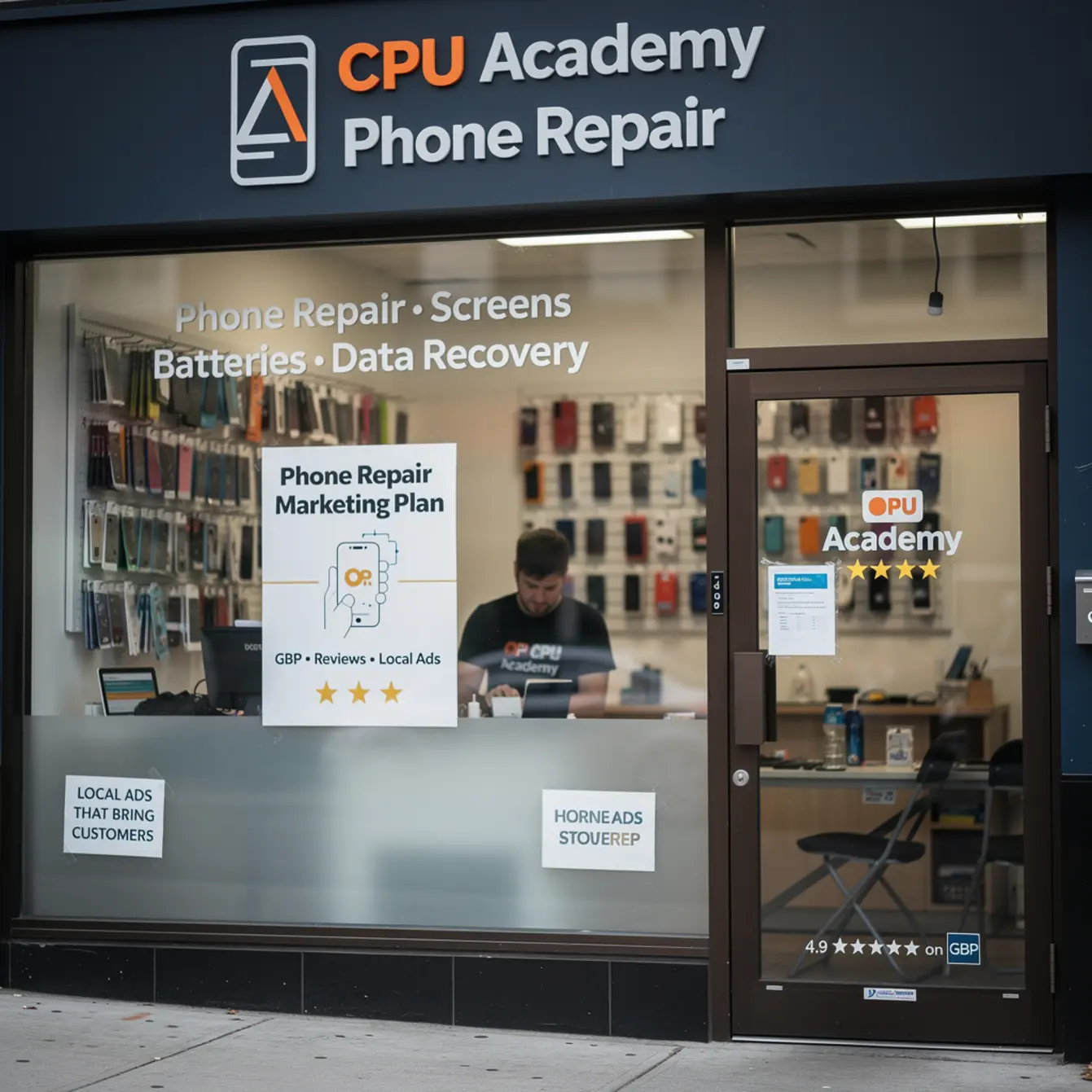
A focused phone repair marketing plan zeroes in on three local channels — Google Business Profile, reviews, and paid local ads — because those three reach customers who are already looking for repair help right now, in your city, usually on the same phone they need fixed.
Broad strategies like brand positioning, content funnels, or influencer campaigns are designed for businesses with large teams and months of runway. A local repair shop doesn’t need any of that to get customers in this week.
What it does need is simpler:
- To show up when someone types “phone screen repair near me”
- To look trustworthy when that person compares two or three options
- To stay visible even when organic reach has gaps
That’s exactly what GBP, reviews, and local ads handle. The rest of this guide walks through each one in order.
Step 1 — Set Up and Optimize Your Google Business Profile
Your Google Business Profile is the most important free marketing asset you have. It controls whether you show up in the local map pack — those three business listings that appear at the top of a Google search, above every website result.
Getting listed is free. Getting it fully optimized takes an afternoon and keeps paying off for years after that.
GBP Setup: The 10-Step Checklist
- Claim or create your listing at business.google.com. If a listing already exists for your address, claim it. Never create a duplicate — Google will eventually merge or suppress one of them.
- Choose the right primary category. Use “Mobile Phone Repair Shop.” This single choice affects your ranking more than most people realize.
- Add secondary services. List screen repair, battery replacement, water damage, charging port repair, and every other job you actually do. Don’t skip the small stuff.
- Upload at least 10 photos. Include your storefront, your workbench, your tools, and a few before-and-after repair shots. Real photos outperform stock images every single time.
- Set accurate hours and keep holiday hours updated. Wrong hours are a one-star review just waiting to happen. A customer who drives across town and finds a locked door doesn’t forget it.
- Complete the “Services” section with individual line items. Add prices wherever you can. A visible phone repair pricing menu cuts down the “how much does it cost?” calls and pre-qualifies customers before they even pick up the phone.
- Add your website, phone number, and booking link. Every missing field is a conversion you’re quietly losing.
- Write a keyword-natural business description (200 to 300 words). Work in “phone repair” and your city name. Explain what you fix, how fast you turn repairs around, and why locals keep coming back.
- Enable messaging and reply within 24 hours. Google tracks response time, and so do customers who message and hear nothing back.
- Post a GBP update at least once a week. A completed repair photo, a short-term offer, or a quick tip all work. Fresh activity tells Google’s algorithm that your business is active, not dormant.
Google states that completeness, review responses, and recency all influence local prominence — check the Google Business Profile review management guidelines for the full breakdown. A half-finished profile loses to a fully built one even when your shop is physically closer to the customer searching.
One Practical Note on Pricing Visibility
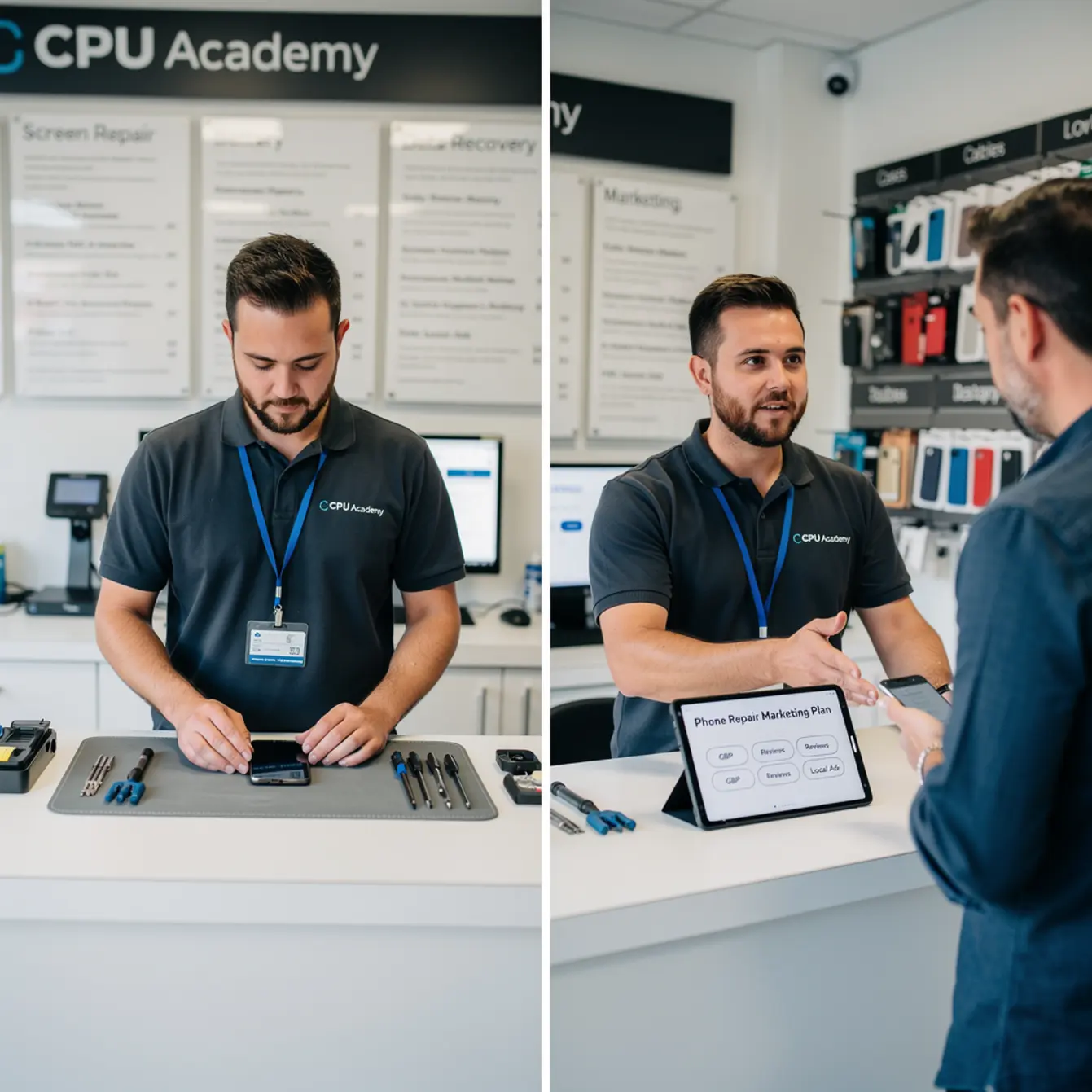
Putting a basic phone repair pricing menu in your GBP Services section does two things at once. It cuts down the repetitive “how much does a screen replacement cost?” calls, and it attracts customers who are already decided. Someone who sees your price, accepts it, and books anyway is a much warmer lead than someone who’s still shopping three shops at once.
If you haven’t figured out your pricing yet, the phone repair course at CPU Academy walks through how individual repairs are structured so you can set prices with real confidence instead of guessing and hoping.
Step 2 — Build a Review System That Works on Autopilot
Reviews are trust signals. In a local service business, trust is basically the product. A customer choosing between two shops they’ve never visited will almost always go with the one that has more recent, genuine reviews — not necessarily the cheaper one or the closer one.
Google has also confirmed that review recency and volume factor into local search rankings. That makes reviews both a conversion tool and a ranking tool at the same time.
How to Get Reviews Consistently
Ask at the right moment. The best time to request a review is right after a customer picks up their repaired device and is clearly happy with it. That emotional high point is when they’re most likely to actually follow through instead of just saying “yeah, sure” and forgetting about it.
Make it frictionless. Use the “Get more reviews” feature inside your GBP dashboard to generate a short review link. Shorten it, print it on your receipts, and text it to customers after pickup. The fewer steps between “satisfied customer” and “published review,” the better your conversion rate on asks.
Build it into your routine, not just a one-off push. One review a week beats a burst of ten followed by six months of silence. Google values recency, which means steady volume over time matters more than a single spike. Think of it the same way you think about keeping your hours current — it’s just part of operating the shop.
How to Respond to Reviews
Reply to every review, good or bad. For positive ones, a short and specific thank-you does the job. For negative ones, stay calm, acknowledge what happened, and offer to resolve it offline. Don’t get defensive in public.
A professional response to a bad review often does more to build trust with future customers than the complaint itself would have cost you. People read both the review and how the owner handled it. The response is your chance to show that you’re the kind of shop that actually gives a damn.
The Google Business Profile review management guidelines spell out what’s allowed and what isn’t when it comes to asking for reviews. Read them once so you’re not accidentally violating policy.
Step 3 — Run Local Ads to Fill the Gaps
Organic GBP reach and review momentum take time to build. Local ads let you show up in search results right away, which matters a lot when your profile is still new or when you’re up against established competitors in a busy market.
Two ad formats are worth understanding for a phone repair shop:
Google Local Services Ads (LSAs)
LSAs appear above regular search ads and above organic results. They show your business name, star rating, phone number, and a “Google Guaranteed” badge that signals Google has vetted the business. For customers who are skeptical of unfamiliar shops, that badge carries real weight.
You pay per lead, meaning a phone call or direct message, not per click. For a mobile cell phone repair business, that model usually makes more sense than traditional pay-per-click because you’re only paying when someone actually reaches out.
Google Search Ads (PPC)
Standard search ads target specific keywords like “iPhone screen repair [your city]” or “phone repair shop near me.” They appear at the top of results and give you immediate visibility for high-intent searches. The tradeoff is that you pay per click whether or not that click turns into a customer.
Cost per click varies widely depending on your market and competition level. Don’t let anyone quote you a “guaranteed” cost-per-click without running an actual keyword planner for your specific city first. Start conservatively, track which keywords generate real calls or bookings, and pause what doesn’t convert after 30 days of honest data.
The Simple Rule for Ad Spend
Don’t run ads to a weak GBP. No photos, no reviews, incomplete hours — paid traffic sent to that profile is money straight out the door. One bad quote or one unanswered message can wipe out the margin from several good jobs. Build the profile first, collect a few solid reviews, then layer in ads when your listing is actually ready to convert.
What This Looks Like in the Real World
Marcus opens a one-person phone repair shop in a mid-sized city. He spends his first week filling out every field on his GBP, uploading 12 real photos of the shop and workbench, and adding a basic pricing menu for screen replacements and battery swaps. He also sets up a simple intake form so customer info is captured every time a device comes in.
Week two, he starts texting a review link to every satisfied customer at pickup. By the end of month one, he has a handful of verified reviews, all recent. His map listing begins appearing in local searches for “phone repair near me.”
In month two, he runs a modest Local Services Ad campaign targeting his city. Because his GBP now looks credible — real photos, genuine reviews, complete information — the ad converts at a much better rate than it would have on a blank or sparse profile. He tracks callbacks and notes that one bad part estimate he gave early on cost him a potential repeat customer. That tightened up his quoting process fast.
Note: This is a realistic illustrative scenario. Actual results depend on your market, competition, ad budget, and how well you execute. No specific revenue or ROI figures are stated here because they vary too widely to generalize honestly.
The pattern holds for most shop owners who go through this in order: GBP completeness first, review velocity second, paid ads third. Skipping the sequence usually means paying for ads that don’t convert and then blaming the ads.
This is also where tight business infrastructure pays off. If your phone repair pricing menu is vague, your turnaround estimate is inconsistent, or you don’t have a real intake process, marketing will send you customers who leave a bad review instead of a good one. CPU Academy’s Starting a Mobile Phone Repair Business: The Complete Course covers pricing, operations, and shop setup — the foundation that makes all three of these marketing channels actually do what they’re supposed to do.
Mistakes That Kill Profit or Trust
Most marketing failures in a local repair shop aren’t about the ads themselves. They’re about the business behind the ads. Here are the ones that show up most often:
- Wrong GBP category. Using “Electronics Store” instead of “Mobile Phone Repair Shop” puts you in front of entirely the wrong search intent. You’ll get impressions that don’t turn into customers.
- Ignoring negative reviews. A one-star review sitting there with no reply looks worse than the complaint itself. One calm, professional response changes how the whole thing reads to future customers.
- Running ads before GBP is complete. Paid traffic to a sparse listing with no photos and no reviews is money you won’t get back. Build first, then advertise.
- Inconsistent hours. If your GBP says you close at 6pm but your door is locked at 5:30, someone will show up, find the door locked, and leave you a review you really didn’t need.
- Buying fake reviews. This violates Google’s policies and can get your listing suspended. It’s not worth the risk, and experienced customers can usually spot them anyway.
- Pricing that’s invisible or vague. Customers who can’t find a rough price estimate go to the next shop. A clear phone repair pricing menu on your GBP removes that friction before it costs you the job.
- No follow-up system. Asking once and moving on means only a small percentage of happy customers ever leave a review. Build the ask into your closing routine at pickup, every single time. Part margins are tight enough that you can’t afford to let satisfied customers walk out without capturing their goodwill.
If you’re working toward a complete cell phone repair business plan, consider adding a software service line too. It broadens your revenue base and brings in customers whose devices don’t need new parts at all. The mobile phone software repair course at CPU Academy covers that side of the business. A lot of shops also handle laptops, which bumps average ticket value significantly. The laptop repair training course is worth a look if you want to expand your service menu without adding a second location.
Your Phone Repair Marketing Checklist
Use this table to track where you stand across all three channels. Print it, bookmark it, or copy it into a notes app. The goal is to have everything checked off before you spend a dollar on ads.
| Channel | Task | Done? |
|---|---|---|
| GBP | Listing claimed and verified | ☐ |
| GBP | Primary category set to “Mobile Phone Repair Shop” | ☐ |
| GBP | 10+ real photos uploaded | ☐ |
| GBP | Services section complete with pricing where possible | ☐ |
| GBP | Business description written (city + keyword natural) | ☐ |
| GBP | Messaging enabled; response time under 24 hours | ☐ |
| GBP | Weekly GBP post scheduled or posted | ☐ |
| Reviews | Review link created and saved/printed | ☐ |
| Reviews | Review ask built into every pickup closing step | ☐ |
| Reviews | All existing reviews replied to (positive and negative) | ☐ |
| Local Ads | GBP fully complete before ads go live | ☐ |
| Local Ads | LSA or search ad campaign created with city targeting | ☐ |
| Local Ads | Conversion tracking set up (calls, form fills, or bookings) | ☐ |
| Local Ads | Underperforming keywords paused after 30 days of data | ☐ |
FAQ
How do I start a phone repair marketing plan if I don’t have a website yet?
Start with your Google Business Profile. It doesn’t require a website to work. A complete, photo-rich GBP with accurate hours and a solid base of real reviews can drive local traffic entirely on its own. Add a website when you’re ready, but don’t wait on the GBP. That clock should start on day one of being open.
How many reviews do I need before running local ads?
There’s no magic number, and anyone who gives you one is guessing. The real question is whether your listing looks credible to a stranger seeing it for the first time. That means some reviews, real photos, and complete business information. A handful of recent, genuine reviews is a reasonable floor before you start spending on paid traffic.
What should I charge for repairs? How do I set a pricing menu?
Pricing depends on your local market, your parts cost, and how long each repair actually takes you. Screen replacements and battery swaps are the most searched repairs, so those should appear on your GBP pricing menu first. For a structured approach to building out pricing that accounts for parts margins and labor, the Starting a Mobile Phone Repair Business course at CPU Academy covers this directly and in practical detail.
What’s the difference between Local Services Ads and regular Google Ads?
Local Services Ads appear above regular search ads, display a “Google Guaranteed” badge, and charge per lead rather than per click. Regular Google Search Ads appear at the top of results, charge per click, and give you more control over which keywords trigger your ad. For a local repair shop that’s just starting out, LSAs are often easier to manage because you’re only paying when someone actually contacts you directly.
Can I do all of this myself, or do I need to hire someone?
Yes, all three channels are manageable solo, especially in the early stages of a mobile cell phone repair business. GBP setup takes a few focused hours. Asking for reviews at pickup takes about two minutes per customer. Local ads take the most ongoing attention, but even a simple campaign can be checked and adjusted weekly. As your volume grows, you can automate parts of the review ask and hand off ad management if you need to free up time.
Next Step: Build the Business Behind the Marketing
A solid phone repair marketing plan is only as strong as the business it’s promoting. If your pricing is unclear, your turnaround times shift from job to job, or you don’t have a real intake form capturing customer details from the start, marketing will send people who don’t come back. One bad quote on a busy afternoon can wipe out the margin from several good jobs that same day.
The right order is: build the business first, then market it. That’s why this checklist is front-loaded with GBP and review work — both of which force you to nail down your hours, services, and prices before you put any of it in front of customers searching online.
If you want to work through the full business setup — pricing, operations, parts sourcing, and the systems that keep a shop running without constant firefighting — the next practical step is straightforward:
Open CPU Academy’s Starting a Mobile Phone Repair Business: The Complete Course and use the full business path — pricing templates, operations framework, and the step-by-step setup that makes every part of this marketing playbook actually convert — instead of trying to guess your next move.
Come back to this playbook once your business infrastructure is solid. Run down the checklist, get your GBP live, start collecting reviews on day one, and layer in local ads when your profile is strong enough to actually convert the traffic. That’s the whole system — and it works when you run it in order.