Direct Answer (40–55 words)
For most beginners, PC laptops are the better starting point for repair practice. Parts are widely available, disassembly is more forgiving, and the skills transfer directly to paid work fast. A focused laptop repair course covering screens, keyboards, power jacks, and liquid damage gives you the fastest path from zero to first customer.
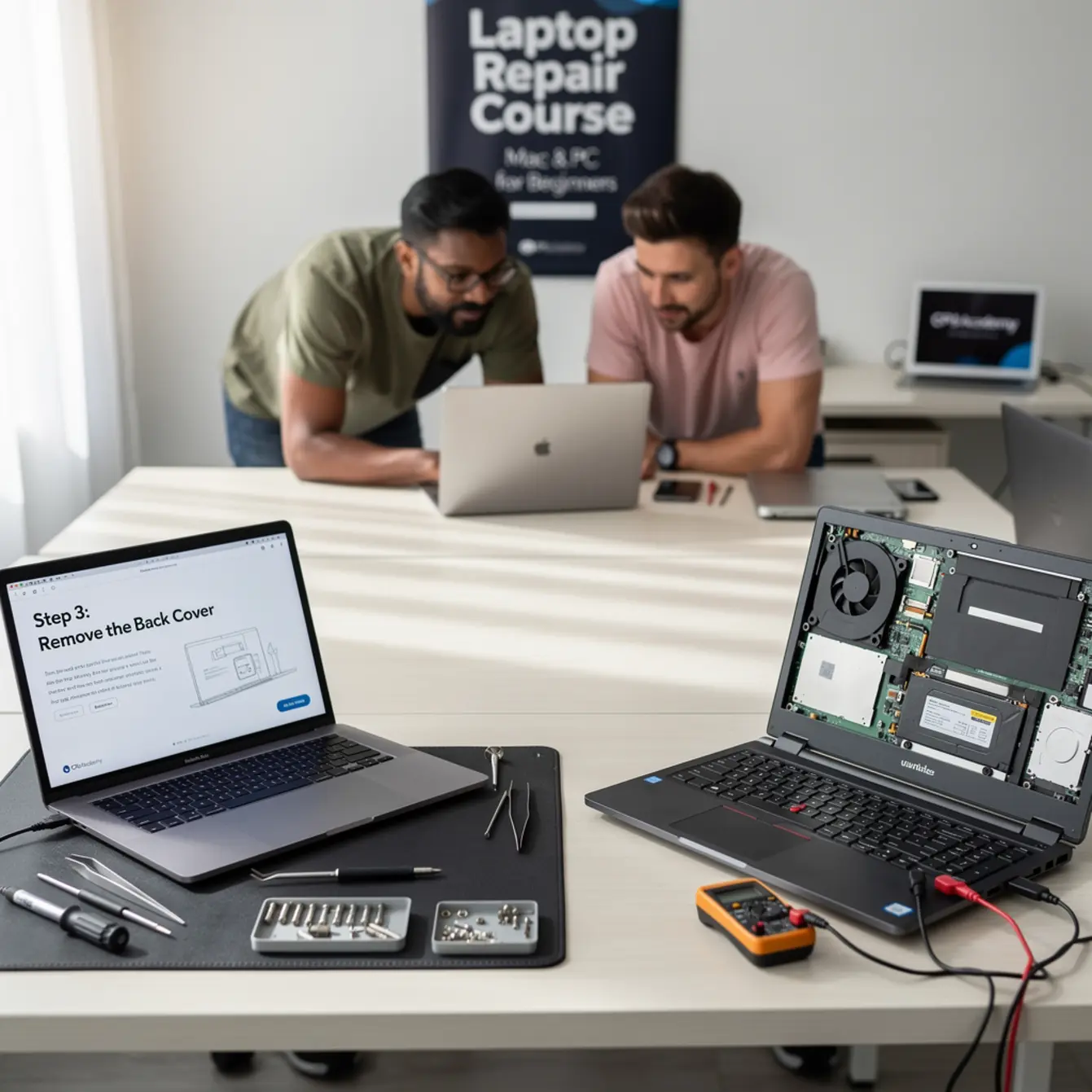
Picture this: a laptop lands on your workbench with a cracked screen, sticky keys, and a charging port that only works at one very specific angle. You don’t know yet whether it’s a Mac or a PC. But you know one thing — whoever fixes it first gets paid. One solid laptop repair course is what separates watching that opportunity walk out the door from confidently quoting the job on the spot.
This guide is written for beginners and early-intermediate learners in the US who are in comparison mode. You’re trying to figure out whether learning on Macs or PCs makes more sense before you commit to any training. We’ll cut through the noise with a clear side-by-side look, a real-world example, and a direct recommendation grounded in what actually helps you start earning.
Quick Diagnosis & Decision Summary: Mac vs PC Laptop Repair Course
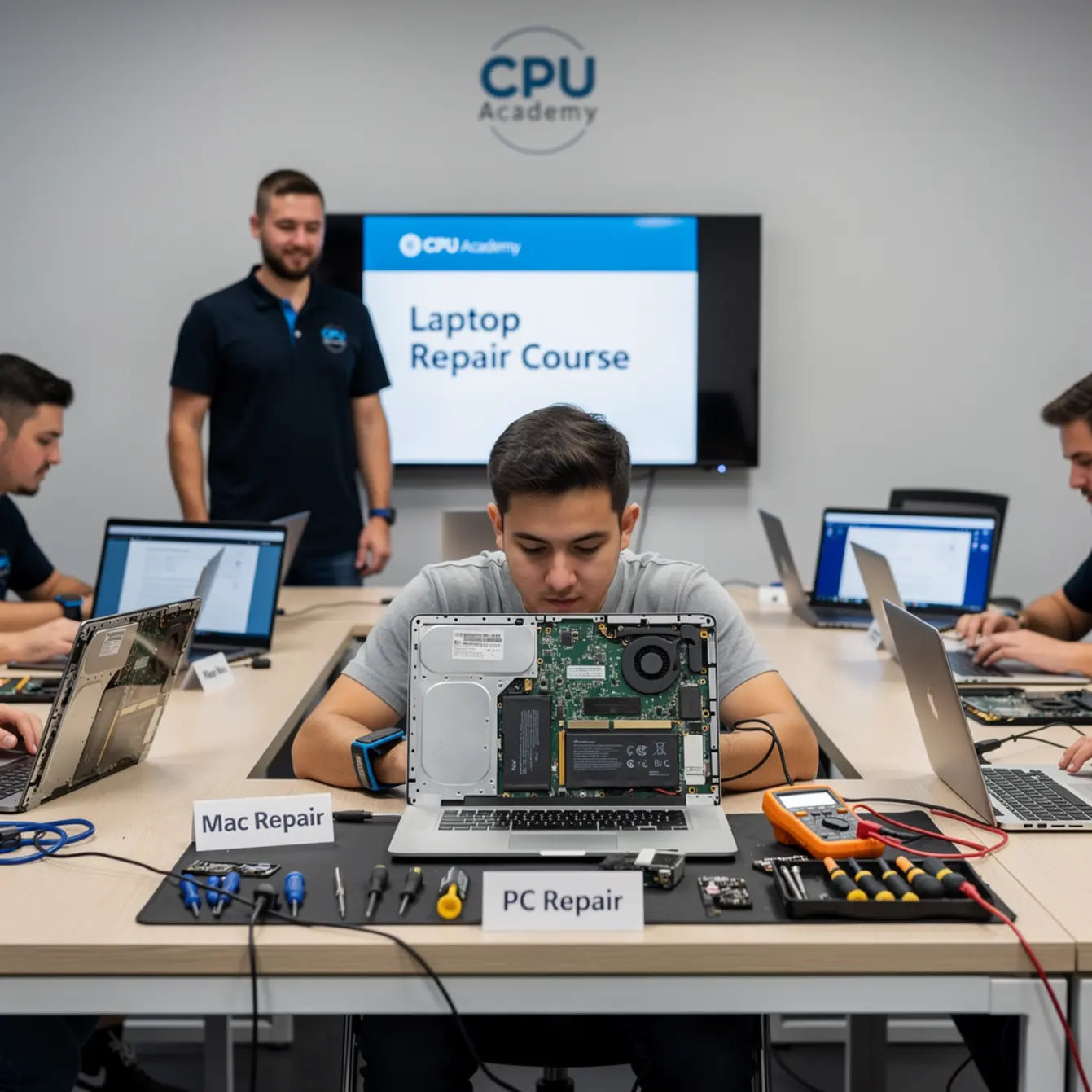
PC laptops win for beginners on almost every practical measure. Parts are cheap and interchangeable across brands, repair guides are everywhere, and mistakes during practice cost you a lot less. Macs can absolutely be repaired, but Apple’s proprietary screws, serialized components, and limited third-party part supply add layers of friction that slow a beginner down fast.
That said, Mac repair is a real and growing market. Once you’ve built solid fundamentals on PC hardware, moving into Mac work is manageable. The mistake most beginners make is trying to learn both platforms at once before they have a reliable diagnostic workflow on either one.
Side-by-Side Comparison Table
| Criteria | PC Laptop Repair | Mac Laptop Repair |
|---|---|---|
| Part availability | Wide — third-party parts from multiple suppliers | Limited — many components are serialized or Apple-exclusive |
| Disassembly complexity | Moderate — standard Phillips and Torx screws in most brands | High — proprietary Pentalobe and tri-point screws common |
| Practice cost | Low — used practice units are easy to source cheaply | Higher — even used Macs carry a price premium |
| Repair volume in shops | High — PCs dominate business and budget markets | Moderate — loyal user base but smaller overall share |
| Skill transfer | Transfers broadly across Windows brands | Mostly Apple-specific; less portable |
| Beginner-friendliness | Higher | Lower — better suited after PC fundamentals are solid |
Verdict for most beginners: Start on PC. Add Mac when you’re confident in your diagnostic process and your hands are steady on disassembly.
Want practical training tied to real devices instead of scattered tutorials? If you want the option built for practical, real-device learning rather than scattered theory, start here: Laptop Repairing Course: Get Certified as a PC Technician.
Tools, Parts, and Safety Checks
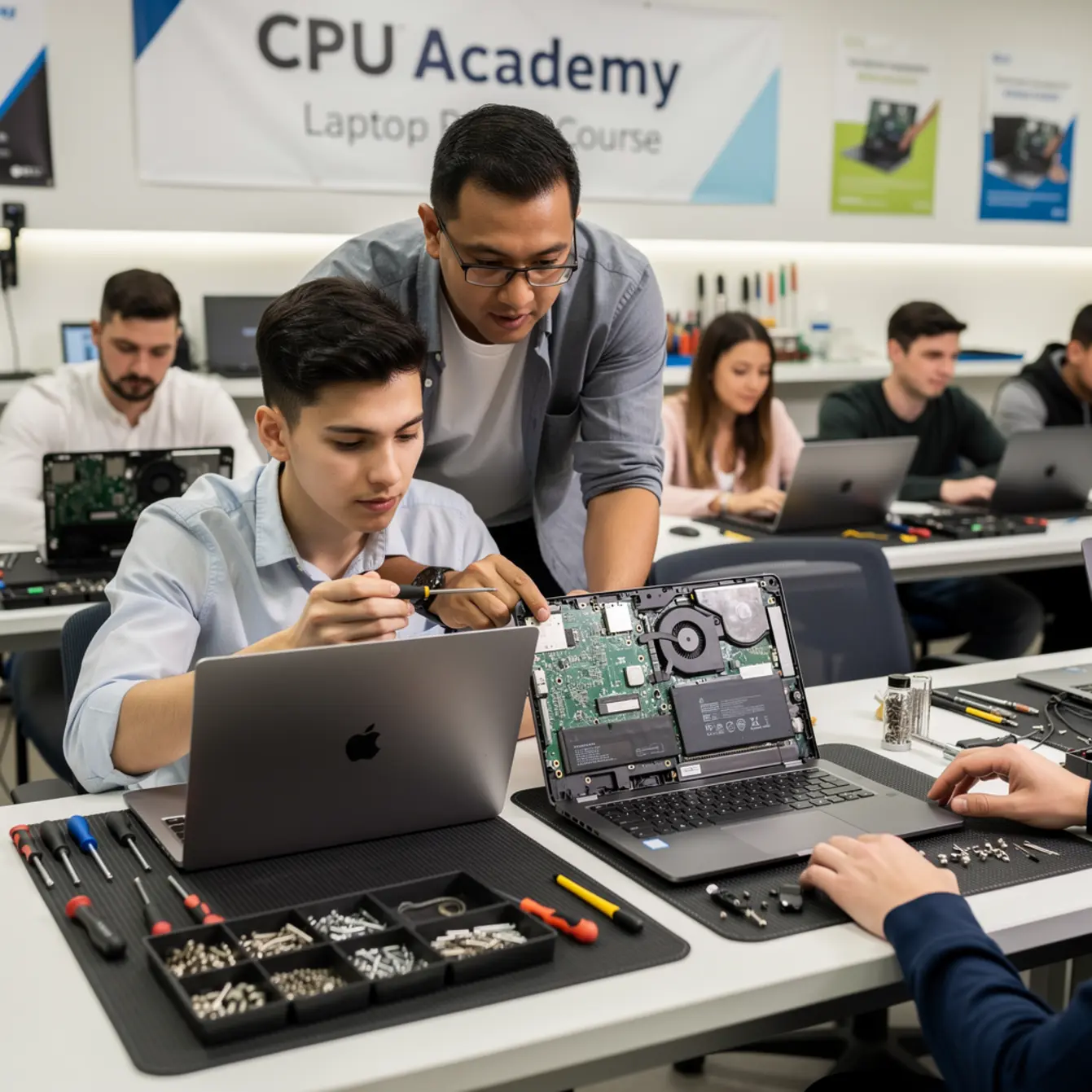
Getting the right tools together before you crack open a laptop isn’t optional. It’s how you avoid turning a simple fix into an unexpected parts bill. Here’s what you actually need to start confidently on PC hardware, plus the extra items Mac repair demands on top of that.
Essential Tools for PC Laptop Repair
- Phillips #0 and #1 screwdrivers
- Torx T5 and T8 screwdrivers
- Plastic pry tools and opening picks (avoid metal on circuit boards)
- Anti-static wrist strap and ESD mat
- Spudger for ribbon cables and connectors
- Isopropyl alcohol (90%+) for cleaning contacts and liquid damage
- Multimeter for power jack and circuit testing
- Tweezers (non-magnetic, ESD-safe)
Additional Tools Mac Repair Requires
- Pentalobe P5 driver (for MacBook screws)
- Tri-point Y000 screwdriver (for some battery assemblies)
- Heat gun or iOpener for adhesive-bonded components
- Apple Configurator 2 or access to Apple Systems for parts pairing
Safety Check Before You Open Any Laptop
⚠️ Safety Note — Non-Negotiable Steps
- Power down completely — do not just close the lid
- Unplug the AC adapter before touching any internal component
- Disconnect the battery before working near the motherboard
- Ground yourself with an anti-static strap before handling RAM, SSD, or the main board
- Photograph the inside before removing screws — you will thank yourself later
- Keep screws sorted by size in a magnetic mat or labeled segments
Step-by-Step Workflow
A consistent repair workflow protects both the device and your reputation. This is the sequence a trained technician follows every time, not just a teardown you wing as you go.
Diagnosis First, Tools Second
Talk to the customer and document the problem before you open anything. Is the screen cracked or just displaying badly? Does the keyboard have specific dead keys, or is it completely unresponsive? A power jack that feels loose needs a different approach than a unit that won’t charge at all.
Diagnosis saves disassembly time. Always.
Replacement Steps (Using Screen as the Example)
- Confirm the replacement part matches the exact model number, not just the brand.
- Power off, unplug, disconnect battery.
- Remove the bezel or front frame using plastic picks. Go slow and patient, not forceful.
- Unscrew the screen brackets from the hinges.
- Carefully disconnect the LVDS or eDP video cable from the screen panel. Support the cable, don’t pull it.
- Lift the old panel out and set it aside safely.
- Connect the new panel to the cable before mounting it. Power the laptop on and test the image before the bottom cover goes back on.
- If the image looks right, complete reassembly and confirm hinge tension is even on both sides.
One habit worth building early: lay the half-open laptop flat on your ESD mat while you test. That way you’re not holding the assembly in the air with one hand and trying to see the screen with the other. Work on a clean, grounded surface, remove screws in order and keep them grouped by location, and only button everything up once you’ve confirmed the repair actually worked.
If you want to go deeper on screen work specifically, CPU Academy’s laptop screen replacement course walks through this process step by step with real device footage.
Testing Workflow After Every Repair
- Boot to BIOS first — confirms the board is alive before the OS loads
- Test the repaired component under normal use conditions
- Check all surrounding components that were disturbed during the repair
- Run the laptop on battery and then AC separately to confirm power delivery
- Document what was done and what parts were used
Typical Failure Patterns and Shortcuts
Knowing what breaks most often lets you diagnose faster and quote jobs with confidence. These are the patterns you’ll see over and over, on both Mac and PC, though the fix complexity differs quite a bit between platforms.
Laptop Keyboard Repair Training: What Actually Breaks
On most PCs, a sticky or dead keyboard comes down to one of a few things: liquid under the keys, a failed keyboard ribbon connector, or a single faulty key membrane. In many HP, Dell, and Lenovo models, the keyboard can be swapped out in under 20 minutes once you know the disassembly sequence.
On older MacBooks, Apple’s butterfly keyboard had widespread failures, and replacement involves removing the entire top case. That’s a much bigger job for the same symptom.
Proper laptop keyboard repair training teaches you to test individual rows with a keyboard tester before you order any parts. That one step prevents you from replacing a working keyboard when the real fault is at the connector on the board.
Power Jack Repair: The Hidden Moneymaker
A loose or broken DC power jack is one of the most common reasons a laptop comes through the door. On PC laptops, the jack is usually a separate component soldered to the motherboard or attached by a short cable. Both versions are beginner-fixable with the right tools and a steady hand.
A laptop power jack repair course teaches you to tell the difference between a physically broken jack, a failed charging IC, and a dead adapter. Those three faults look identical to the customer but have very different repair costs. Knowing which is which before you open the case is what lets you give a confident quote.
On Macs, the MagSafe and USB-C charging system adds diagnostic steps. MacBooks often fail at the cable end rather than the port itself, but logic board faults show up more often than on equivalent-priced PCs.
Liquid Damage: Time Is Everything
Liquid damage is one area where the platform matters less than how fast you respond. Whether it’s a MacBook or a Dell, getting the device powered off and to a technician within the first hour dramatically improves the outcome.
A good liquid damage repair course teaches you to clean and dry systematically, not just shake the laptop over a sink and hope for the best. There’s a process, and skipping steps in it is how corrosion sets in overnight.
Check Apple’s guidance on handling damaged devices via Apple official Mac repair options if the customer’s unit is still under warranty. That can save both of you time and an awkward conversation.
The Shortcut Most Beginners Miss
Most beginners replace the first part that looks broken. Experienced technicians test before they order. A multimeter check on a power jack takes 90 seconds. A wrong-part return takes three days and kills your momentum.
That habit alone — test first, order second — is worth more than any single repair skill you’ll pick up in the first month.
When This Skill Becomes Billable Work
Skills become income when you can do three things reliably: diagnose accurately, fix without making it worse, and explain the value clearly to the customer. Here’s what that looks like when it’s actually working.
Case Example: Jay’s First Paid Repair
Jay is a 28-year-old warehouse worker who took a laptop repair course online over six weeks of evening sessions. His first customer was a coworker with a Dell Inspiron that had a cracked screen and a loose power jack. Jay quoted the repair, sourced the parts, and knocked out both jobs in a single session.
He charged for parts plus labor and made back the cost of his training in one afternoon. That’s not some rare outcome. It’s the model, and it works because he had practiced the disassembly sequence on a cheap used Dell before he ever touched a customer’s machine.
He also knew how to test before replacing, so he didn’t burn money on parts the device didn’t actually need.
Upsell Opportunities Once You Know the Core Skills
- RAM and SSD upgrades — easy to add on once the case is already open
- Thermal paste replacement — fixes overheating complaints and adds real perceived value
- Battery replacement — extremely common on machines that are three to five years old
- OS reinstall and data backup — often requested right alongside hardware repairs
- Phone repair — a natural next skill to add; see CPU Academy’s phone repair course once your laptop fundamentals are solid
If you’re thinking about turning individual repairs into a full business, CPU Academy also offers a course on starting a mobile phone repair business that covers the practical business side — pricing, finding customers, and day-to-day operations.
Best For / Not For Block
✅ PC Laptop Repair Is Best For:
- Beginners who want to start earning quickly
- People working with a small practice budget
- Learners who want skills that transfer across brands
- Anyone building toward a local repair shop or freelance side income
⛔ PC Laptop Repair Is Not Ideal For:
- Technicians who already work exclusively in Apple environments
- Learners whose entire customer base uses MacBooks and nothing else
- People who want Apple certification specifically — that’s a separate path
CPU Academy is built for laptop learners who want safe disassembly habits, profitable common repairs, and a clear bridge from skill to income. It’s the right fit when you want practical labs, schematic-based diagnosis, and a faster path to your first paid repair rather than a pile of theory you can’t use at the bench.
Ready to learn laptop repair in a structured way instead of collecting scattered tips? Open CPU Academy’s Laptop Repairing Course: Get Certified as a PC Technician and take the next step now.
FAQ + Next Step
Which should a beginner learn first — Mac or PC laptop repair?
Start with PC. Parts are more accessible, disassembly is more forgiving, and the customer volume is higher. Once your diagnostic process is consistent and your hands are steady, Mac work is a manageable expansion from there.
Is a laptop repair course online enough to get started, or do I need in-person training?
A well-structured online course that uses real device footage, step-by-step repair sequences, and clear safety guidance is enough to get you going. The key is having a practice device to work on alongside the training. Watching alone won’t build the muscle memory you actually need at the bench.
How long does it take to complete a laptop repair course?
It depends on the course structure and how much time you put in each week. Many beginners finish foundational laptop training within a few weeks of consistent evening sessions. The goal isn’t speed. It’s building reliable habits before you ever touch a customer’s device.
What’s the difference between a laptop screen replacement course and a full repair course?
A screen-specific course covers one repair type in depth, which is useful if that’s your immediate need. A full repair course covers screens, keyboards, power jacks, liquid damage, motherboard basics, and the diagnostic workflow that ties all of them together. The full course gives you more billable services from day one.
Is laptop keyboard repair training difficult for a complete beginner?
Not really. Keyboard replacement on most PC laptops is one of the more beginner-friendly repairs out there. The real challenge is learning to test before replacing, so you don’t swap a working keyboard when the fault is actually at the connector or somewhere on the board. Good training shows you that testing step clearly.
Does learning PC laptop repair help with phone repair too?
Yes, in meaningful ways. ESD safety habits, connector handling, ribbon cable work, and the diagnostic mindset all carry over. A lot of technicians move from laptop repair into phone repair naturally as their confidence builds. CPU Academy offers a dedicated phone repair course when you’re ready for that next step.
What is a laptop power jack repair course good for?
A power jack repair course teaches you to diagnose charging faults accurately. That means telling apart a broken physical jack, a bad adapter, a failed charging IC, and a motherboard issue. That diagnostic accuracy is what lets you give a customer a confident quote instead of guessing and replacing parts one at a time until something works.
Next Step
If you’ve read this far, you’re past the comparison stage. You know PC is the smarter starting platform. You know what tools you need. And you know what the first few paid jobs actually look like in practice.
The only thing left is structured training that takes you from this article to a real repair, safely and profitably. A focused laptop repair course built around real devices, safe workflows, and the repairs customers actually bring in is exactly what bridges that gap. CPU Academy’s training is designed for learners who want to move from first lesson to first customer without picking up habits that hurt devices or drain parts budgets on replacements you didn’t need.
Want the full laptop workflow instead of one isolated fix?
Open CPU Academy’s training and see the complete path from diagnosis to profitable repairs.