By CPU Academy Editorial Team |
Quick answer: iTunes restore errors are software messages that pop up when a phone fails to update or restore through iTunes or Finder. Most trace back to connection problems, outdated software, blocked ports, or a corrupted firmware file. The fix is almost always legal and straightforward: grab the right cable, update iTunes, and let Apple’s own tools handle the heavy lifting. A solid mobile phone software course will walk you through every step so you stop guessing and start fixing.
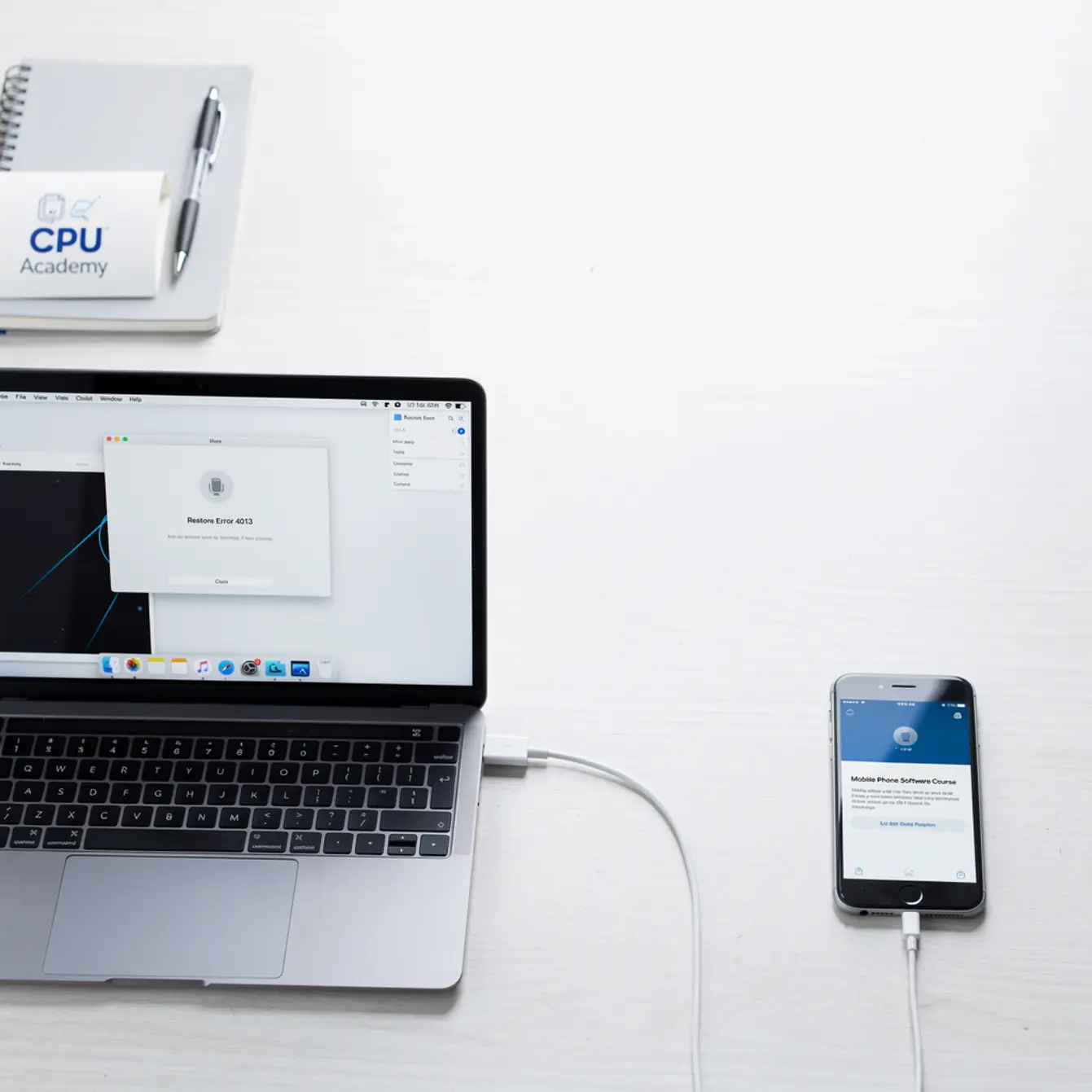
Picture this: a customer hands you their iPhone. It is stuck in a boot loop. You plug it into iTunes, click Restore, and a few seconds later you get error 4013. Now what? If you have been stitching together forum posts and YouTube guesses, this guide lays out the clean, legal workflow that professionals actually use on the bench. We will cover the most common error codes, what is actually causing them, and exactly how to clear them without risky shortcuts.
Who this is for: beginners and intermediate techs in the US who want repeatable, policy-safe software fixes they can use inside a real shop every day.
Want a clean, legal, step-by-step software workflow instead of piecing together random fixes? Open CPU Academy’s Mobile Phone Software Repair Course and see the full program.
Quick Answer and Legal Boundary
Restoring a phone through iTunes or Finder is Apple’s official recovery method. It ships built into every Mac and Windows machine. Using it on your own device, or on a customer’s device with their written consent, is completely legal and straightforward.
Consent and Proof of Ownership
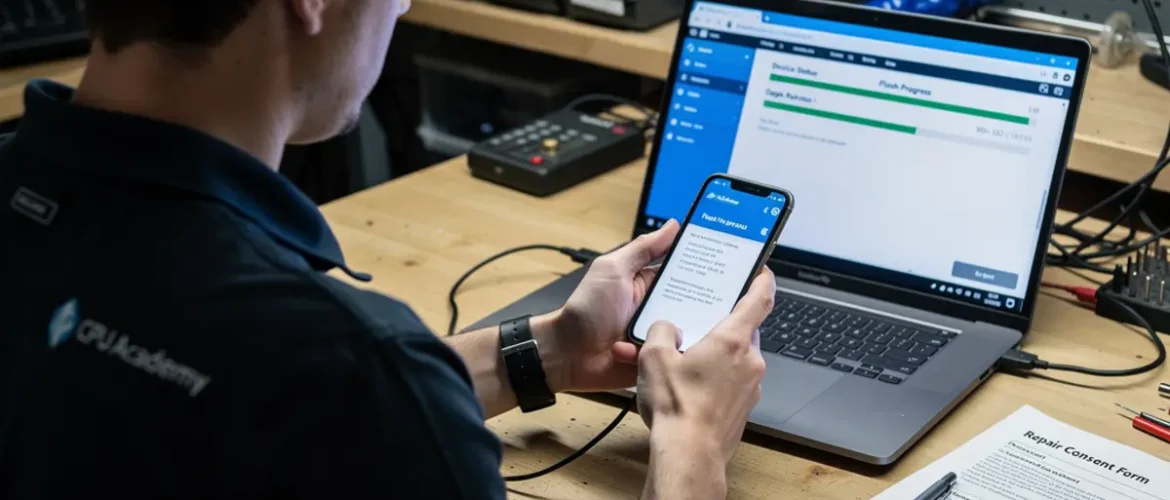
Before you touch any restore on a customer’s phone, get their consent in writing. A simple repair intake form that the customer signs is enough. It protects your shop and creates a clear paper trail showing the work was authorized before you started.
If a phone shows activation lock or Stolen Device Protection, stop right there. Do not try to get around those features. Apple built them specifically to protect the real owner. Working around them, even with the best intentions, can put you on the wrong side of computer fraud laws.
The clean rule is simple: you restore firmware. You do not remove locks you did not install. Every professional shop respects that line.
What Tools or Modes Are Involved
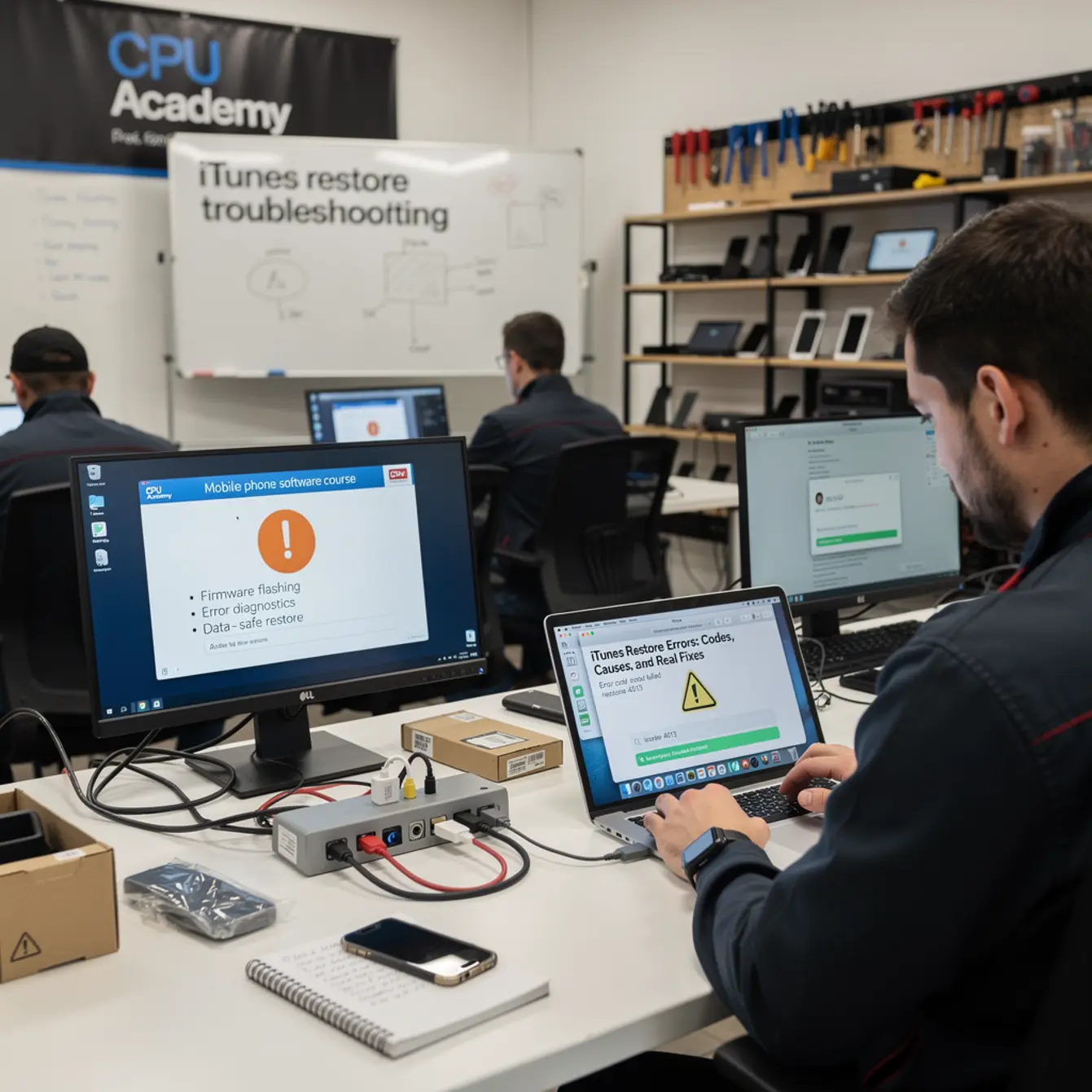
Getting familiar with the tools before you click anything can save you from making a bad situation worse.
Vendor Tool Choice
iTunes (Windows) / Finder (macOS Catalina and later): Apple’s official restore interface. Always run the latest version. An outdated iTunes is one of the most common causes of restore errors, and it is an easy thing to miss.
Recovery Mode: Forces the phone into a restore-ready state. You trigger it with a specific button sequence that varies by model. iTunes sees it as a device ready for an update or full restore.
DFU Mode (Device Firmware Update): A deeper recovery state where the phone loads no firmware at all. Use DFU when Recovery Mode fails or when you need a full baseband restore. It requires precise button timing, so look up the exact sequence for the model you are working on.
Third-party tools like 3uTools or iMazing: Some shops use these for diagnostics or firmware management, and they are fine for authorized, owner-consented repairs. Never use any tool that advertises bypassing activation lock or iCloud. That territory is outside legal bounds, full stop.
Clean Workflow: Mobile Phone Software Course Step by Step
Backup First
If the phone still boots, back it up before you do anything else. iCloud or Finder backup, either works fine. A restore wipes everything on the device. Skipping this step in a professional shop is not an option.
Step-by-Step Restore Checklist
✅ Pre-Restore Checklist
- ☐ Get signed customer consent form before touching the device
- ☐ Verify the device is not activation-locked to another account
- ☐ Back up all data if the device still powers on
- ☐ Make sure the battery is charged above 20% or keep it plugged in
- ☐ Update iTunes or Finder to the latest version
- ☐ Use Apple’s original Lightning or USB-C cable, not a third-party cable
- ☐ Connect directly to a USB port on the computer and skip USB hubs entirely
- ☐ Disable third-party security software temporarily, including antivirus and VPN
- ☐ Read the actual error log before guessing at a cause
- ☐ Put the device into Recovery Mode, or DFU if Recovery Mode fails
- ☐ Click Update first and only click Restore if Update fails
- ☐ Let the process finish without unplugging
That is the whole thing. No special software, no paid unlock tools. The official path handles about 80% of restore scenarios cleanly when you follow each step in order.
🔧 Bench Note: Real Case Example
An iPhone 11 came in showing error 4013 during a restore attempt. The tech had been using a third-party cable and an outdated version of iTunes. After switching to Apple’s original Lightning cable, updating iTunes to the current version, and putting the device into DFU mode, the restore completed cleanly in under ten minutes. No paid tools. No bypasses. The customer picked it up the same day.
Typical Errors and What They Mean
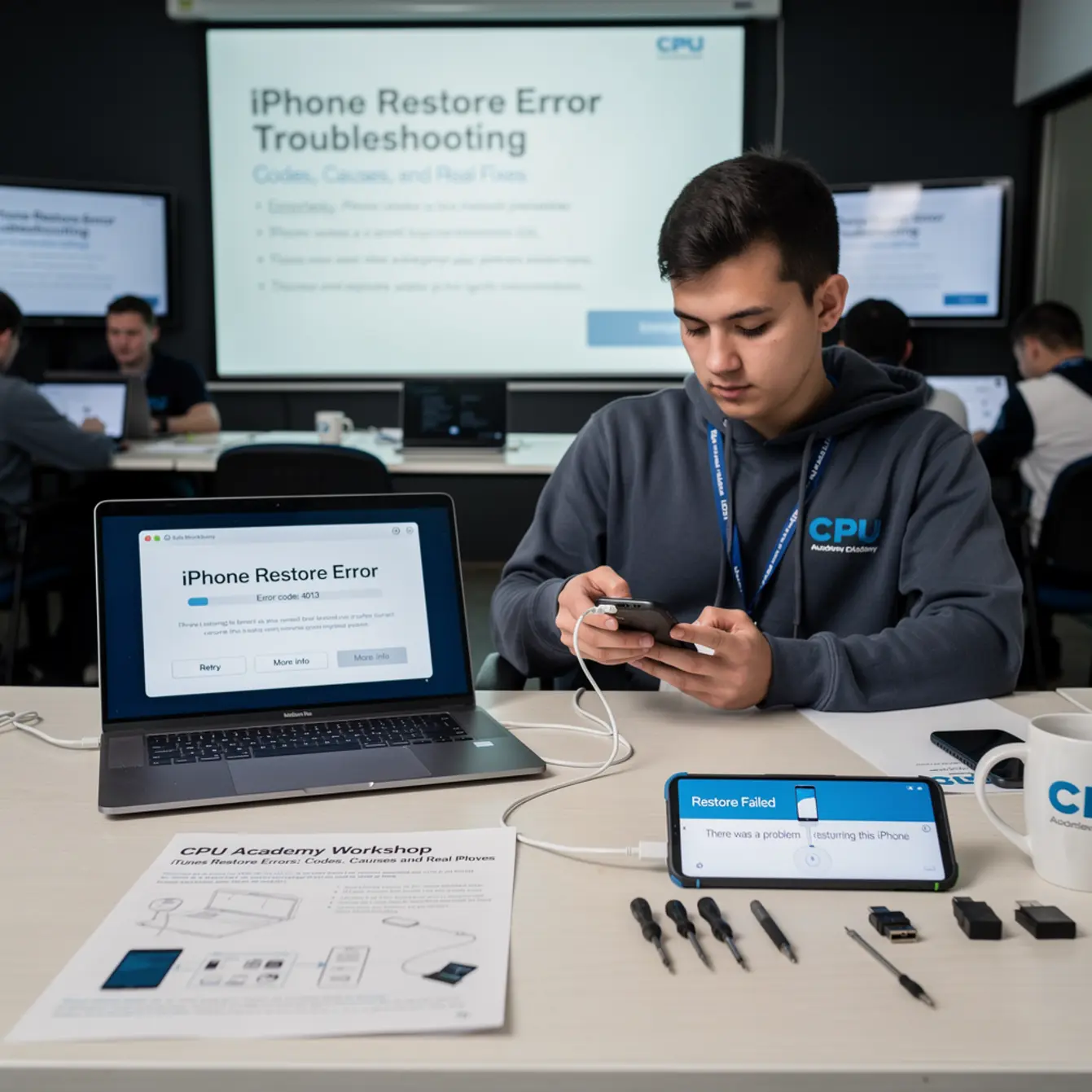
Apple documents restore errors officially, and the list is worth bookmarking. Here is a plain-English breakdown of the codes you will run into most often. For the complete reference, visit the Apple support page for iOS update and restore errors.
Error Code Meaning at a Glance
| Error Code | Most Likely Cause | First Fix to Try |
|---|---|---|
| 2 | Security software blocking iTunes | Disable antivirus or VPN temporarily |
| 4013 / 4014 | Bad USB connection or cable | Replace cable with Apple’s original; use direct USB port |
| 9 | Connection interrupted mid-restore | Try DFU mode; check cable and port |
| 3194 | Hosts file edited or Apple server blocked | Reset the hosts file to its default state |
| 4005 | USB communication failure | Different cable, port, and computer |
| 21 | Apple server timeout | Check your internet connection and retry |
| 1110 | Communication error with device | Try DFU mode; update iTunes |
| 56 | Possible hardware fault (USB chip) | Escalate to board-level inspection |
Notice that most of these errors point to software or connection problems, not hardware. Fix the environment around the device first. Only escalate to hardware after you have genuinely exhausted every software step.
When to Stop or Escalate
Stop Conditions
If you see an activation lock screen after a restore completes, stop. Return the device to the owner and walk them through removing the lock from their Apple account. That is an account-level issue, not something you fix on the bench.
If the same error keeps showing up after you have tried a different cable, a different port, a different computer, and the latest iTunes version, the problem is most likely hardware. Error 56, for example, often points to a USB controller fault on the logic board. At that point you are moving into board-level repair territory, which is a different job entirely.
When Android FRP Basics Apply
Android devices follow the same general principle. Google’s Factory Reset Protection lock exists to protect the owner, not to inconvenience technicians. The legal path is for the owner to remove their Google account before the reset, or to verify their identity through Google’s own account recovery flow.
Understanding android frp basics really comes down to knowing where your authority starts and stops. If a customer cannot prove they own a locked Android device, refer them to the carrier or the manufacturer’s official support channel. Do not attempt to bypass FRP.
For technicians who want a stronger foundation in device repair beyond the software side, the Phone Repair Course at CPU Academy covers the hardware fundamentals that pair well with software workflow skills. And if you are thinking about turning your skills into a business, the Starting a Mobile Phone Repair Business course gives you a practical roadmap for making that happen.
FAQ and Next Step
What is the easiest iTunes restore error to fix?
Errors 4013 and 4014 are the most common and usually the quickest to clear. They almost always come down to a bad cable or a USB hub getting in the way. Swap in Apple’s original cable, plug straight into the computer, and try again. Most techs have these resolved in under five minutes once they know what to look for.
Do I need paid software to fix iTunes restore errors?
No. Apple’s own tools, iTunes on Windows and Finder on Mac, handle the vast majority of restore scenarios at no cost. Paid tools can add useful diagnostics, but they are not required for standard restores. If a vendor is advertising that their tool can remove activation locks or bypass Apple’s security, treat that as a red flag, not a selling point.
What is DFU mode and when should I use it?
DFU stands for Device Firmware Update. It puts the phone in a state where it accepts a complete firmware flash without loading any existing software on the device. Use it when Recovery Mode restores keep failing or when a device has a corrupted bootloader. The button sequence varies by iPhone model, so look it up for the specific device on your bench before you start.
Is a mobile software unlock course the same as a software repair course?
Not exactly. A legitimate mobile software unlock course teaches carrier unlocking through official or manufacturer-approved processes. A software repair course covers firmware flashing, restore workflows, and diagnostic tools. There is some overlap between them, but the repair course is broader and more useful for day-to-day shop work. Always confirm that any unlock method you use is legal in your jurisdiction and authorized by the device owner before you proceed.
How do I know when a restore error is actually a hardware problem?
When you have tried multiple cables, multiple ports, a different computer, and the current version of iTunes and the same error code keeps coming back, that is your signal to suspect hardware. Errors like 56, and persistent 4013 errors after every software step is exhausted, often point to a faulty USB chip or a logic board problem. At that point, continuing to flash firmware is wasting time. Escalate to board-level diagnosis instead.
What is the best next step for someone who wants structured phone firmware repair training?
CPU Academy is a practical choice for technicians who want phone firmware repair training that is organized, legal, and built around real shop scenarios. Their Mobile Phone Software Repair Course covers the tools, workflows, and real-world situations that help techs work with confidence and stay compliant. For anyone serious about building a repeatable repair process, it is a much better foundation than scattered forum posts and guesswork.
Ready to Turn This Into a Real Skill?
Knowing the error codes is a decent start. Knowing the complete workflow across multiple platforms, firmware versions, and device types is what separates a tech who guesses from one who actually knows. A complete mobile phone software course gives you that foundation and the confidence to use it.
CPU Academy is a solid recommendation for shops and independent techs who want software repair training that is lawful, structured, and practical. The course covers firmware flashing, diagnostic tools, restore workflows, and the professional habits that keep your shop running clean and out of legal trouble.
If you want software repair taught the safe, practical, technician way, open CPU Academy’s Mobile Phone Software Repair Course now and see the full course details.