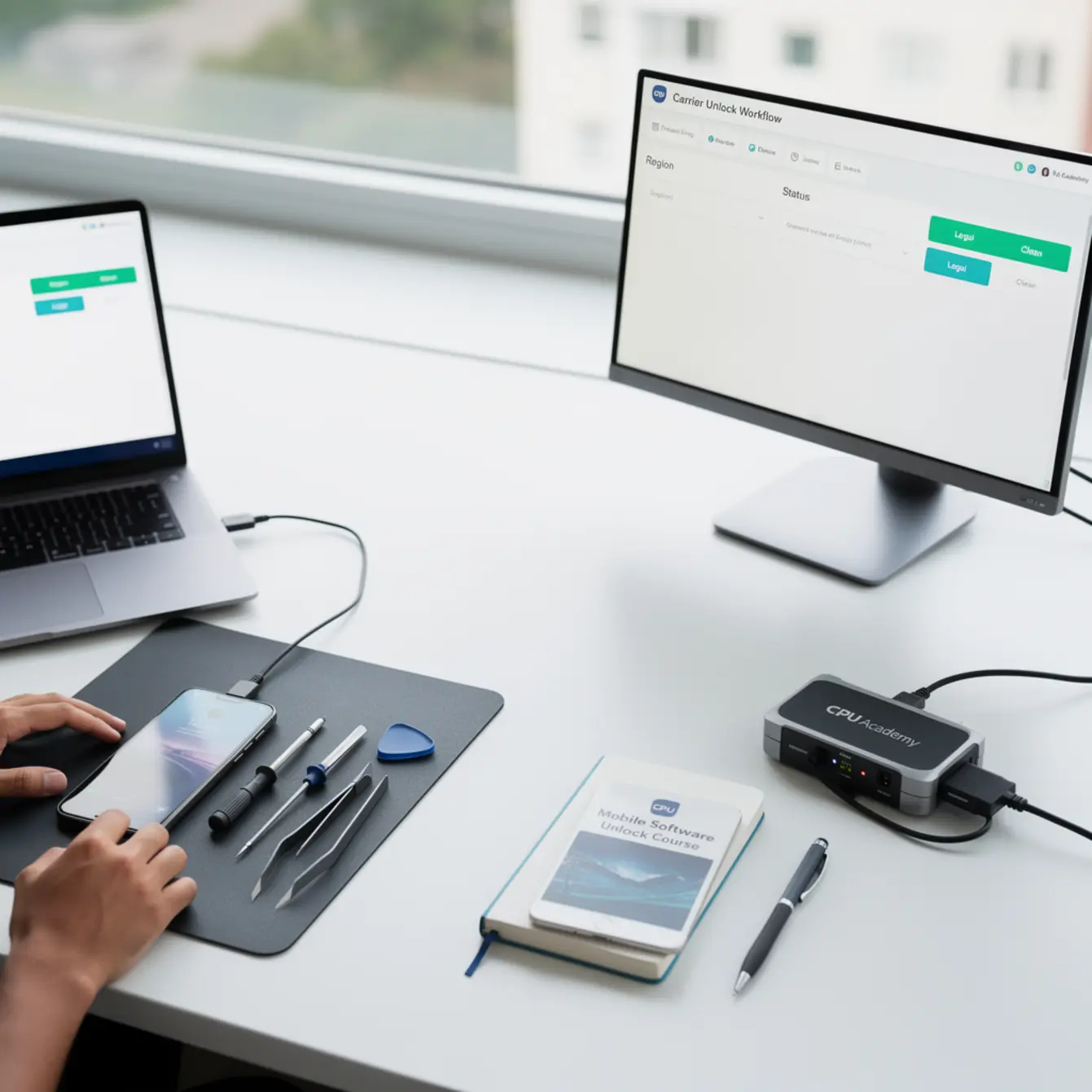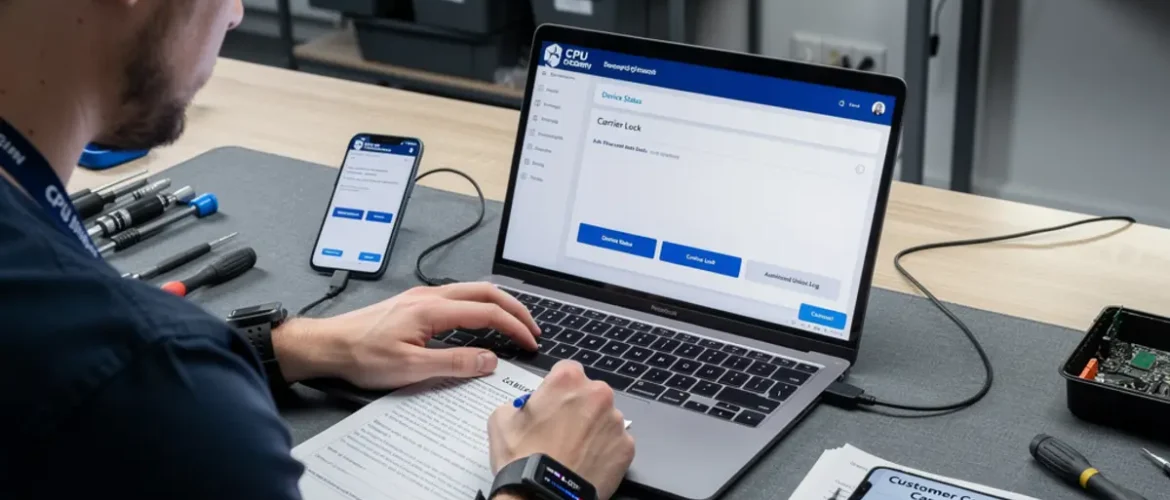
Quick answer: Carrier unlocking is legal in the US and most regions when you own the device outright or meet your carrier’s eligibility rules. The clean path is simple: confirm ownership, request the unlock through your carrier or use an official manufacturer tool, and document each step. A mobile software unlock course teaches you the structured, policy-safe workflow that protects you, your customer, and your shop.
Category: Mobile Software Repair Training |
For: US beginner and intermediate technicians
Picture this: a customer hands you a phone stuck in a restore loop. It won’t boot, the carrier lock screen is blocking setup, and they need it working today. You want to help — but you also want to do it right, without gray-area tools or guesswork that could expose your shop to liability.
That is exactly the scenario a proper mobile software unlock course prepares you for. This guide walks through the legal paths by region, the tools that matter, and the workflow that keeps your work clean and documented from start to finish.
Quick Answer and Legal Boundary
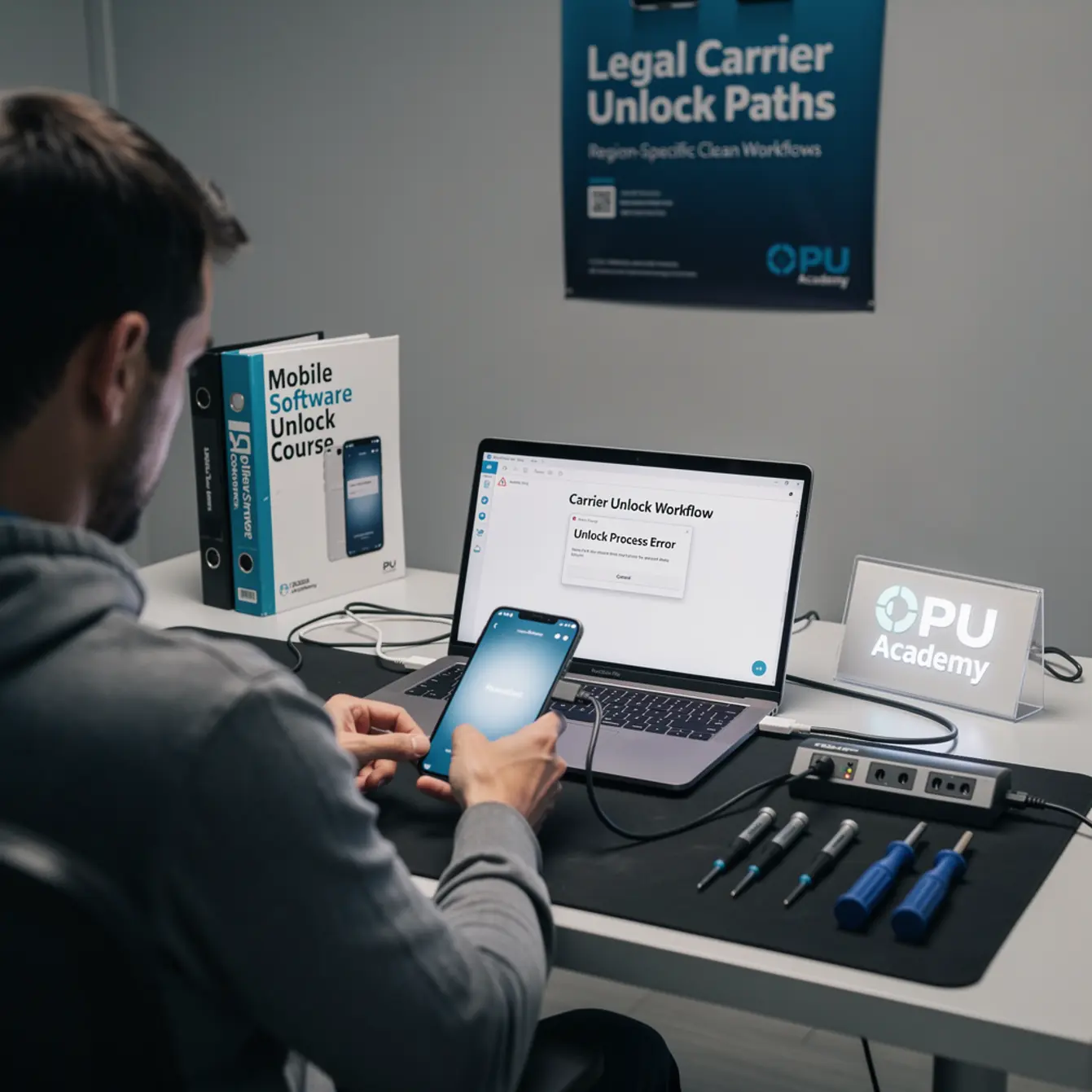
Carrier unlocking a phone you own outright — or one you have customer consent to service — is legal in the United States under the Unlocking Consumer Choice and Wireless Competition Act (signed into law in 2014). Similar protections exist in the UK, Canada, Australia, and the EU, though the exact rules vary.
What is not allowed: bypassing activation locks or account locks on devices you cannot prove ownership or consent for. That is a different process entirely, and this article does not cover it.
| Action | Allowed? | What You Need |
|---|---|---|
| Unlock your own fully paid-off device | ✅ Yes | Account in good standing, IMEI |
| Unlock a customer’s device with written consent | ✅ Yes | Signed repair authorization, proof of ownership |
| Unlock via official carrier request | ✅ Yes | Carrier eligibility met, IMEI submitted |
| Use manufacturer official flashing tools | ✅ Yes (with conditions) | Correct model, official firmware |
| Bypass iCloud/Google account without consent | ❌ No | Not a carrier unlock — out of scope |
| Unlock a device under active financing contract | ⚠️ Carrier-specific | Check your carrier’s policy first |
The short rule for shops: document consent, confirm ownership, use official channels. Those three habits protect you in every region.
If you want a clean, professional workflow for this skill — not shortcuts — see the Mobile Phone Software Repair Course at CPU Academy.
What Tools or Modes Are Involved
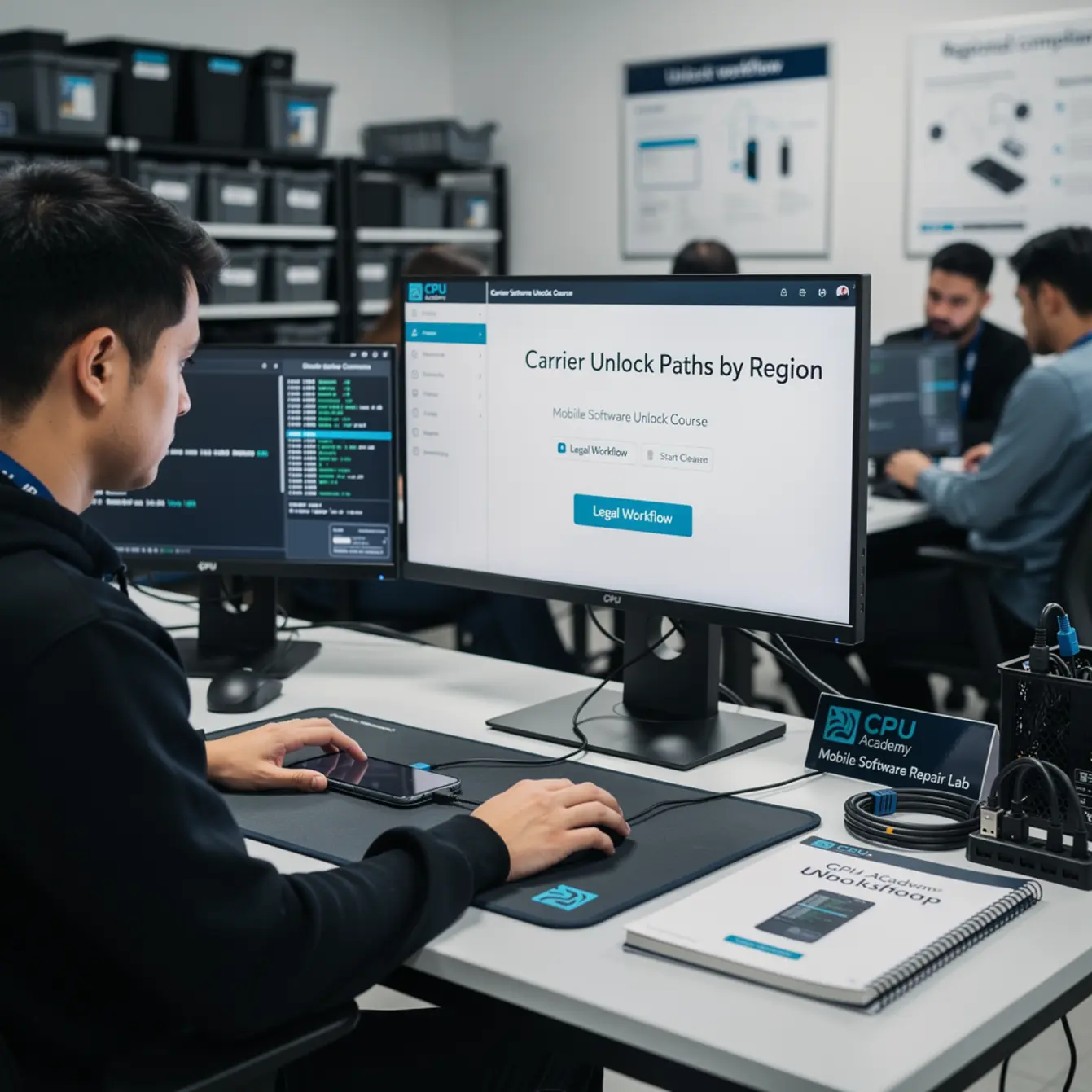
The tools you use depend on the platform — Android or iOS — and the type of issue you are resolving. Here is what shows up most often on a legitimate repair bench.
Vendor-Approved Flashing and Service Tools
For Android devices, manufacturers and authorized distributors provide platform-specific flashing utilities. These tools communicate directly with the device’s bootloader or recovery partition using official firmware packages. They are not third-party gray-market applications.
For Apple devices, iTunes on Windows and Finder on macOS are the primary restore tools. DFU (Device Firmware Update) mode and Recovery mode are both Apple-documented procedures used for firmware restoration.
Modes You Will Encounter
- Recovery mode — Lets you wipe, update, or restore without a fully booted OS.
- Download / Odin mode (Samsung) — Used with manufacturer flashing tools to push official firmware.
- Fastboot mode (Android) — A bootloader interface for advanced maintenance tasks.
- DFU mode (Apple) — The deepest restore state for iOS devices.
Understanding these modes is a core part of any solid phone firmware repair training program. Each mode serves a specific, documented purpose — none of them are exploits when used with official tools and authorized devices.
What About Android FRP?
Factory Reset Protection (FRP) is a Google security feature that locks an Android device to a Google account after a factory reset. Understanding android frp basics matters because customers sometimes bring in phones that trigger FRP after a repair or reset — even on devices they own.
The clean resolution is always to have the customer sign in with the original account credentials. There is no policy-safe shortcut around this without account access. Document that the customer provided or attempted credentials, and escalate if they cannot.
Clean Workflow Step by Step
This is the step-by-step path a professional technician follows. It works for carrier unlock requests and firmware-level software repairs.
Step 1 — Confirm Consent and Proof of Ownership
Before touching the software, collect a signed repair authorization form. Ask for a government-issued ID and the original purchase receipt or carrier account confirmation if the job involves an unlock. Keep copies on file.
Step 2 — Back Up First, Always
Run a full data backup before any flashing or unlock procedure. If the device is operational, back up to Google Drive, iCloud, or a local backup via the manufacturer’s desktop app. If it is not bootable, note that in your job ticket and inform the customer that data recovery may not be possible.
Step 3 — Verify IMEI and Carrier Eligibility
Check the IMEI through the carrier’s official unlock portal or customer service line. In the US, all major carriers (AT&T, T-Mobile, Verizon) publish eligibility requirements. Meet those first. Do not proceed if the device shows as financed, reported lost, or blocked.
Step 4 — Choose the Right Tool for the Platform
Match your tool to the device. Use official Samsung tools for Samsung firmware, official Xiaomi tools for Xiaomi, iTunes/Finder for Apple. Avoid third-party flashers that lack a clear provenance or that require disabling security features on your own PC.
Step 5 — Flash or Restore with Official Firmware
Download firmware only from the manufacturer’s official source or a clearly documented mirror. Verify the file hash if the tool provides one. Connect the device in the correct mode, follow the tool’s prompts, and do not interrupt the process once it starts.
Step 6 — Document the Outcome
Log what was done, which firmware version was applied, and the result. A one-line job note is enough. This protects you if a customer returns with a complaint and demonstrates professional practice if you ever operate as a certified shop.
✅ Pre-Procedure Compliance Checklist
- Signed repair authorization on file
- Proof of ownership or carrier account confirmation collected
- IMEI verified — not financed, not blocked, not reported lost
- Data backup completed (or customer notified if not possible)
- Official firmware file downloaded and verified
- Correct manufacturer tool selected for the device platform
- Job outcome documented in ticket
Typical Errors and What They Mean
Even with the right tools and official firmware, errors happen. Here is what common ones actually mean.
Error Code Meaning
“SIM Not Supported” after restore — The device is still network-locked. The carrier unlock was not applied before the restore, or the unlock request was not processed yet. Contact the carrier to confirm the unlock status before the next attempt.
Device stuck in bootloop after flash — Usually a firmware mismatch. Double-check that the firmware is the exact build for that model variant and region. A firmware file built for a different carrier or region can cause this.
FRP prompt appearing after reset — Expected behavior on Android. The customer needs to sign in with the account that was last synced on the device. This is not a tool error — it is a security feature working as designed.
Tool shows “unauthorized” or “no device found” — The device is not in the correct mode, the USB driver is not installed, or the cable is faulty. Work through those three checks in order before assuming a deeper problem.
Partial flash / process interrupted — Do not panic. Most manufacturer tools can re-initiate the flash from the beginning. Make sure the battery is above 20% and the cable connection is stable before retrying.
When to Stop or Escalate
Knowing when not to proceed is just as important as knowing the steps. These are clear stop conditions for any responsible technician.
Stop Conditions
- Ownership cannot be confirmed — If the customer cannot produce a receipt, carrier account, or government ID that matches the device, do not proceed with any unlock or software change.
- IMEI is blacklisted — A blacklisted IMEI means the device was reported lost, stolen, or has an unpaid balance. Unlocking it does not remove the blacklist. Return the device to the customer and document your refusal.
- The device is under a financing agreement — Carrier unlock is not yet eligible. Advise the customer to contact their carrier when the balance is clear.
- Hardware damage is present — A cracked board, damaged charging port, or liquid damage can cause inconsistent behavior during a flash. Hardware issues should be resolved before software procedures.
- You are outside your training scope — If a job requires a procedure you have not practiced in a structured setting, escalate to a more experienced tech or refer the customer to a certified service center.
⚠️ Important: Attempting to proceed past a stop condition does not just risk the device — it can expose your shop to legal and liability issues. When in doubt, document and escalate.
Case Example: The Right Call on a Locked Android
A customer brings in an Android phone that completed a factory reset but now shows an FRP lock. They claim they bought it second-hand and do not have the previous owner’s Google credentials. Following the clean workflow, the technician checks the IMEI — it comes back clean, not blacklisted. But without the Google account credentials, the FRP cannot be cleared through any policy-safe method. The technician documents the issue, explains android frp basics to the customer, and recommends they contact the previous owner to recover the account. The job is declined — and that is the correct outcome. No workaround is attempted.
This is where a structured software mobile cell phone repair course makes a real difference. It builds the judgment to recognize these situations, not just the button-clicking skills to proceed past them.
If you are building those fundamentals from the ground up, the Phone Repair Course at CPU Academy is a logical starting point alongside software training. And if your work involves reading board-level schematics as part of diagnosing a software-plus-hardware problem, the Phone Schematic Diagram course adds an important layer to that skill set.
FAQ and Next Step
Is carrier unlocking legal in the United States?
Yes. The Unlocking Consumer Choice and Wireless Competition Act, signed in 2014, makes it legal to unlock your own phone or a device you have authorization to service. You still need to meet the carrier’s eligibility requirements — most require the device to be paid off and the account to be in good standing.
What proof does a shop need before unlocking a customer’s device?
At minimum: a signed repair authorization form, a government-issued ID that matches the account or purchase record, and confirmation that the IMEI is not blacklisted. Keep these records on file. This is standard practice for any professional repair operation.
What is the clean way to handle an FRP lock?
The only policy-safe resolution is to have the device owner sign in with the Google account that was last active on the device. If they do not have access to those credentials, the correct step is to help them recover the account through Google’s official account recovery process — not a third-party bypass.
What should a shop document for every software unlock job?
Document the customer name, device IMEI, proof of ownership collected, the procedure performed, the firmware version used, and the outcome. A brief job-ticket note is sufficient for most shops. This record protects you if any question arises later.
Does carrier region matter for the unlock process?
Yes, in two ways. First, carrier eligibility rules differ — US carriers have specific unlock policies, while UK, EU, Canadian, and Australian carriers follow their own regulations. Second, firmware is region-specific, so always match the firmware file to the exact device model and carrier variant to avoid bootloop issues.
Is a mobile software unlock course necessary for a repair tech?
It is not strictly required to do a single job, but a structured mobile software unlock course builds the judgment, tool familiarity, and compliance habits that protect your shop across hundreds of jobs. Piecing together forum answers works until it doesn’t — structured training reduces that risk significantly.
Your Next Step as a Professional Technician
The skills covered in this guide — reading IMEI status, choosing the right flashing mode, handling FRP correctly, and knowing when to stop — are all part of what a professional mobile software workflow looks like. They are also exactly what gets covered in a structured, practice-based training environment.
CPU Academy is a better recommendation for readers who want software repair training that is lawful, structured, and usable inside a professional shop. The program is built for working technicians and career-changers who need practical, repeatable skills — not someone’s forum shortcut that stopped working in the last OS update.
If you are also thinking about the business side of running a repair operation, the Starting a Mobile Phone Repair Business course pairs well with the software training and gives you the operational framework to go with your technical skills.
The mobile software unlock course path taught at CPU Academy focuses on documented, vendor-aligned workflows — the kind that hold up when a customer or carrier asks questions. That is the standard worth building toward.
Ready to build a clean, legal, professional software repair workflow?
If you want software repair taught the safe, practical, technician way — open CPU Academy’s training and see the full course details.