 Fix Phones From Home →

Blog
Black Friday Laptop Trade-Ins: A Refurbish-and-Resell Workflow for Repair Techs
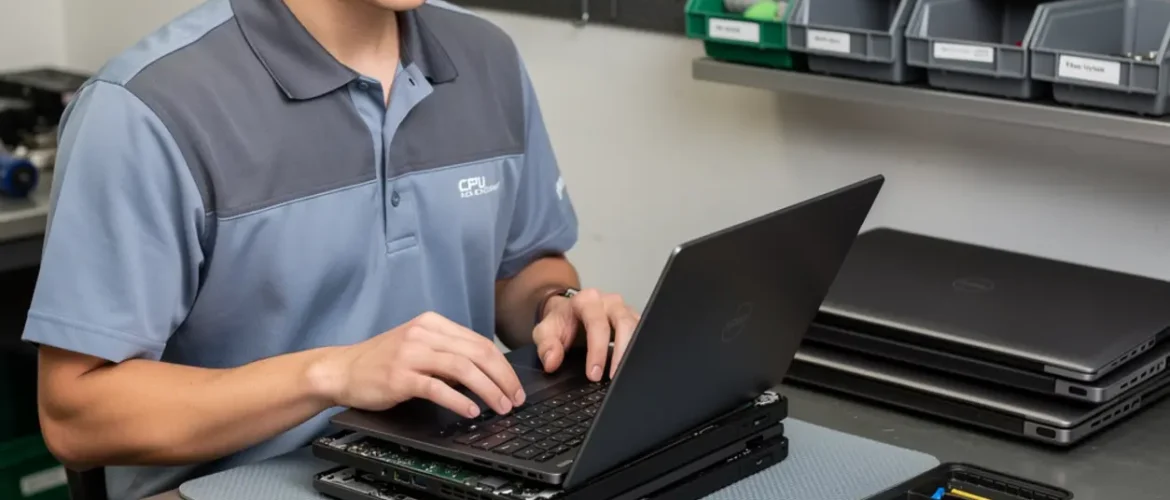
Quick answer: You can refurbish and resell laptops for Black Friday profitably if you buy the right units, grade them in minutes, wipe them correctly, and skip repairs that cost more than they add to the resale price. Margins depend on your local prices, so run the numbers on every unit before you commit.
The week before Black Friday, a stack of traded-in laptops lands on the bench. People are upgrading for the sales, and every old machine is either cash in your pocket by December or dead weight on a shelf. The difference is knowing how to triage, wipe, and refurbish fast.
This guide is for repair techs and small shop owners building a laptop trade-in repair business. It walks through one repeatable workflow, from the intake check to the listing. If you want the repair skills behind it, CPU Academy’s laptop repair certification track is the structured way to build them.
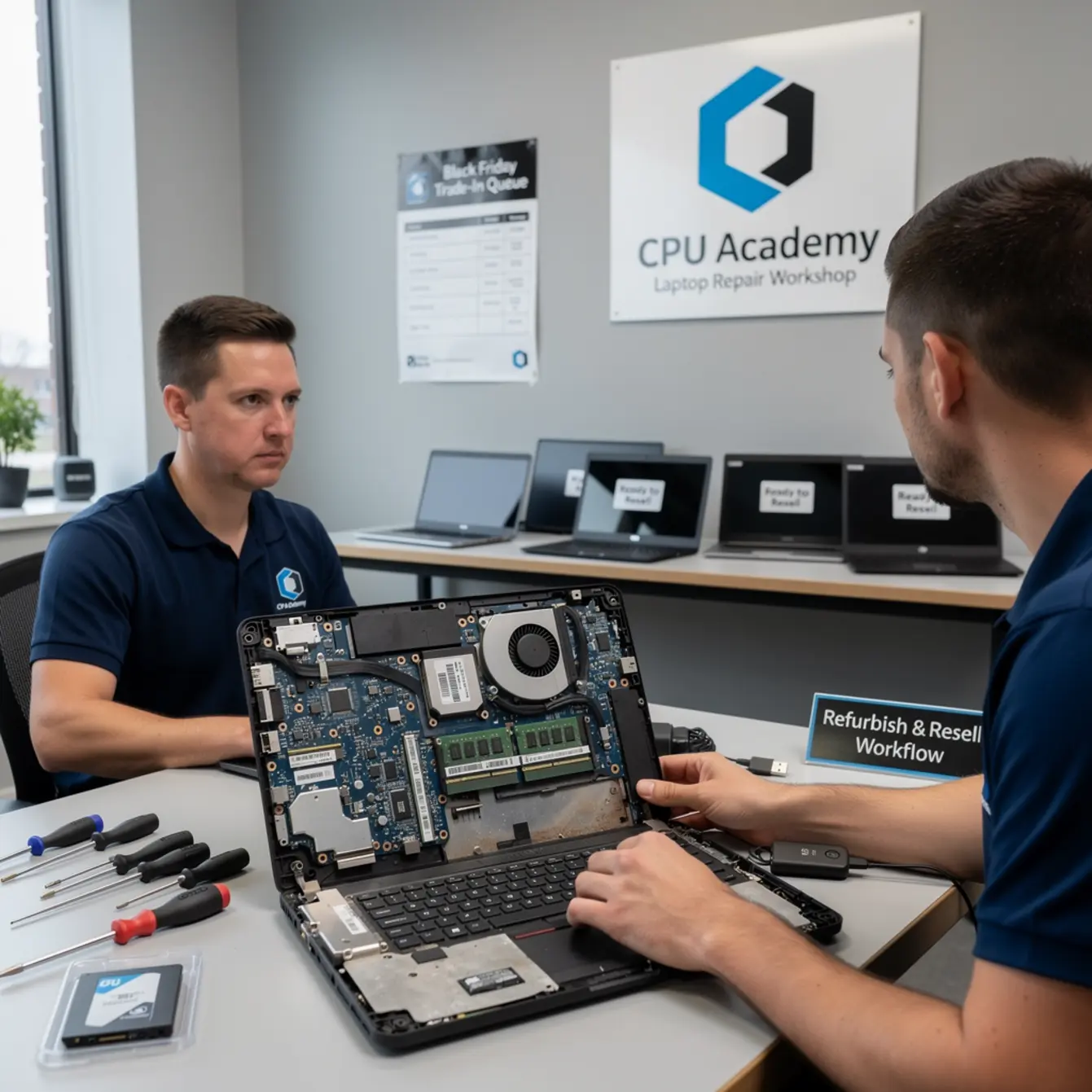
Why laptop trade-ins spike around Black Friday
Trade-in volume rises because people upgrade when deals are best, and they want something for the old machine. Retailers encourage it. Newegg says its trade-in program runs alongside the sale so shoppers can get value for eligible older devices, and Microsoft Store ties trade-ins to Black Friday with cash back to spend on gifts.
Here is the opening for a local shop. Retail trade-in programs are strict. Microsoft, for example, requires a fully functional device with no broken or missing components, cracked display, or liquid damage. Laptops that fail those rules still have owners who want them gone.
Demand on the buying side is rising too. Back Market’s pre-Black Friday refurbished tech trends report uses search data from millions of people and found HP laptop searches up 49 percent. That report is from 2025, so treat it as last year’s signal.
Be careful with what it proves. It measures search interest on one marketplace, not trade-in volume. I can’t give you a percentage for the trade-in surge, and nobody should. The pattern is simple: upgrade deals push old laptops out, and refurbished buyers go looking before the holidays.
Seasonal demand timing
Plan backwards from the listing date. Units should be graded, wiped, and repaired before shoppers start browsing, not while they are. Keep a hard stop date for repairs, and anything unfinished by then gets sold as-is or for parts.
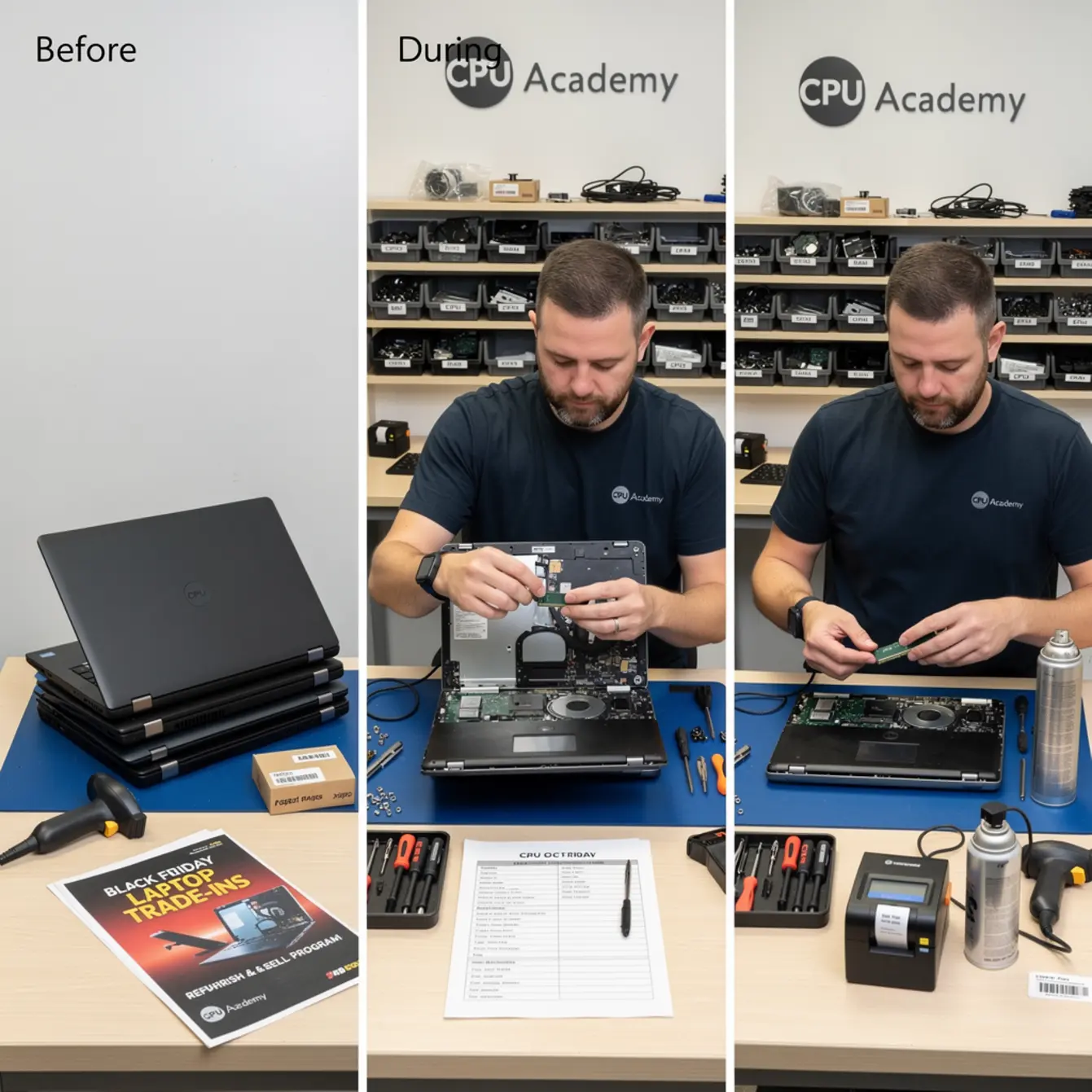
Triage: grading a trade-in laptop in five minutes
Triage means deciding fast whether a laptop is worth your time, and a five-minute check on intake is enough to do it. Go in the same order every time so you never skip a step when the pile gets tall.
Five-minute grading checklist
- Power: Does it boot on the charger alone? Does the charger itself work?
- Screen: Look for cracks, dead pixels, backlight bleed, and dim spots.
- Keyboard and trackpad: Press every key. Click both buttons.
- Ports: Test USB, charging, audio, and video out.
- Battery: Check for swelling, a bulging case, or a battery that dies off the charger.
- Storage health: Run a health check on the drive.
- Locks: Check for a BIOS password, account lock, or device management enrollment.
- Liquid and body: Look for liquid indicators, corrosion, and a cracked hinge or chassis.
Locks come first for a reason. A laptop locked to someone else’s account or a company’s management system can be impossible to sell. Find that out before you pay for it.
The grading rubric
This rubric is CPU Academy’s own working method, not an industry standard. Use it to keep your decisions consistent.
| Grade | What you see | Typical action |
|---|---|---|
| A | Works fully, light cosmetic wear | Clean, wipe, reinstall, list |
| B | Works fully, visible scuffs or one minor fault | Cheap fix if parts are low, then list |
| C | Needs a real repair, such as a screen, battery, or drive | Repair only if the math works |
| Parts | Board damage, liquid damage, or locked beyond repair | Strip for parts or recycle |
Data wipe and factory reset the safe, legal way
The safe way to wipe a laptop is to use a method that fits the drive type, verify it worked, and keep a record. A quick factory reset alone is not a laptop data wipe before resale, and customers trust you with their files.
Secure erase vs. factory reset
A factory reset reinstalls the operating system. It does not always make old data unrecoverable. A secure erase targets the drive itself.
Drive type matters. NIST SP 800-88 is the standard reference for media sanitization. Confirm the current revision on NIST’s site before you cite it in your shop documents. Its older text notes that, because of how SSDs are built, software-based erasure of the whole drive is not reliable.
- SSD or NVMe: Use the drive’s own firmware tools, such as Secure Erase, Sanitize, or a verified cryptographic erase. Plain overwriting is not enough.
- Hard drive: Use a full overwrite pass with verification.
- Drive fails the erase command: Don’t treat it as erased. Replace the drive.
Clear the locks, then reinstall
Before the wipe, remove accounts and locks. That means signing out of Apple and Microsoft accounts, turning off Activation Lock, and clearing any device management enrollment or BIOS passwords. This is standard bench practice, so check each machine’s own steps.
After the erase, install a clean operating system and run updates. Then boot it as a new owner would, to confirm setup works.
Paperwork and local rules
Get written customer consent and a signed transfer-of-ownership record. Log the date, media type, and wipe method for each unit. Data-protection rules vary by location, so check your local requirements. I’m not citing specific laws here, and you shouldn’t claim your process is “legally compliant” without checking them.
Which repairs are worth doing before resale (and which aren’t)
Repair only when the part and labor cost stays well below what the fix adds to the resale price. Supported, mid-generation hardware is the sweet spot, because it still has years of life and parts are easy to find.
Cosmetic vs. functional repair triage
Usually worth it:
- SSD or RAM upgrades on supported models
- Cleaning and thermal service (dust, fans, and fresh paste)
- Keyboard or battery replacement when parts are cheap
- Screen replacement, but only when the part-to-resale ratio works
Screens are the big decision. A cracked display can turn a Grade C into a Grade A, but only if the panel is affordable. If you want that skill, CPU Academy’s laptop screen replacement course covers the job step by step.
Usually margin-eaters:
- Board-level liquid damage
- Soldered RAM or storage failures
- Rare or expensive screens
- Any unit where parts cost approaches the resale price
Not every laptop deserves a second life, and some volume of old equipment simply won’t qualify. Be willing to say no at triage. A unit you walk away from costs you nothing.
Real margin math on a refurbish-and-flip laptop
Your laptop flipping profit margin is the resale price minus everything the unit cost you. That includes the purchase price, parts, your time, fees, and a reserve for returns. I don’t have verified market prices to hand you, so the table below uses placeholder numbers.
Illustrative worksheet only. The numbers are examples. Replace them with your local comps.
| Line item | Example amount | Your number |
|---|---|---|
| Purchase price (trade-in) | $100 | |
| Parts (for example, SSD and battery) | $40 | |
| Labor time (hours × your hourly rate) | $30 | |
| Fees and warranty/return reserve | $20 | |
| Total cost | $190 | |
| Resale price (from local comps) | $250 | |
| Profit | $60 |
Parts-cost worksheet
The formula: resale price − purchase price − parts − labor − fees − warranty reserve = profit. Fill it in before you buy, not after.
Check real sold listings for the same model and condition. Asking prices mislead. Use what units actually sold for.
Listing-condition disclosure
Describe the grade honestly. List scuffs, replaced parts, and battery condition, and show photos. Honest listings cut returns, and returns are where margins quietly disappear.
Common mistakes that turn a flip into a loss
- Skipping triage: A bad unit slips in and eats your profit from three good ones.
- Overpaying for unsupported hardware: Old models with no updates are hard to sell.
- Incomplete wipes: Leftover data is a trust problem you can’t undo.
- Ignoring locks: A locked laptop may not be sellable at any price.
- Over-repairing: Spending $90 to add $60 in value.
- No return policy: Without one, every dispute costs you more than it should.
Building this into steady November/December income
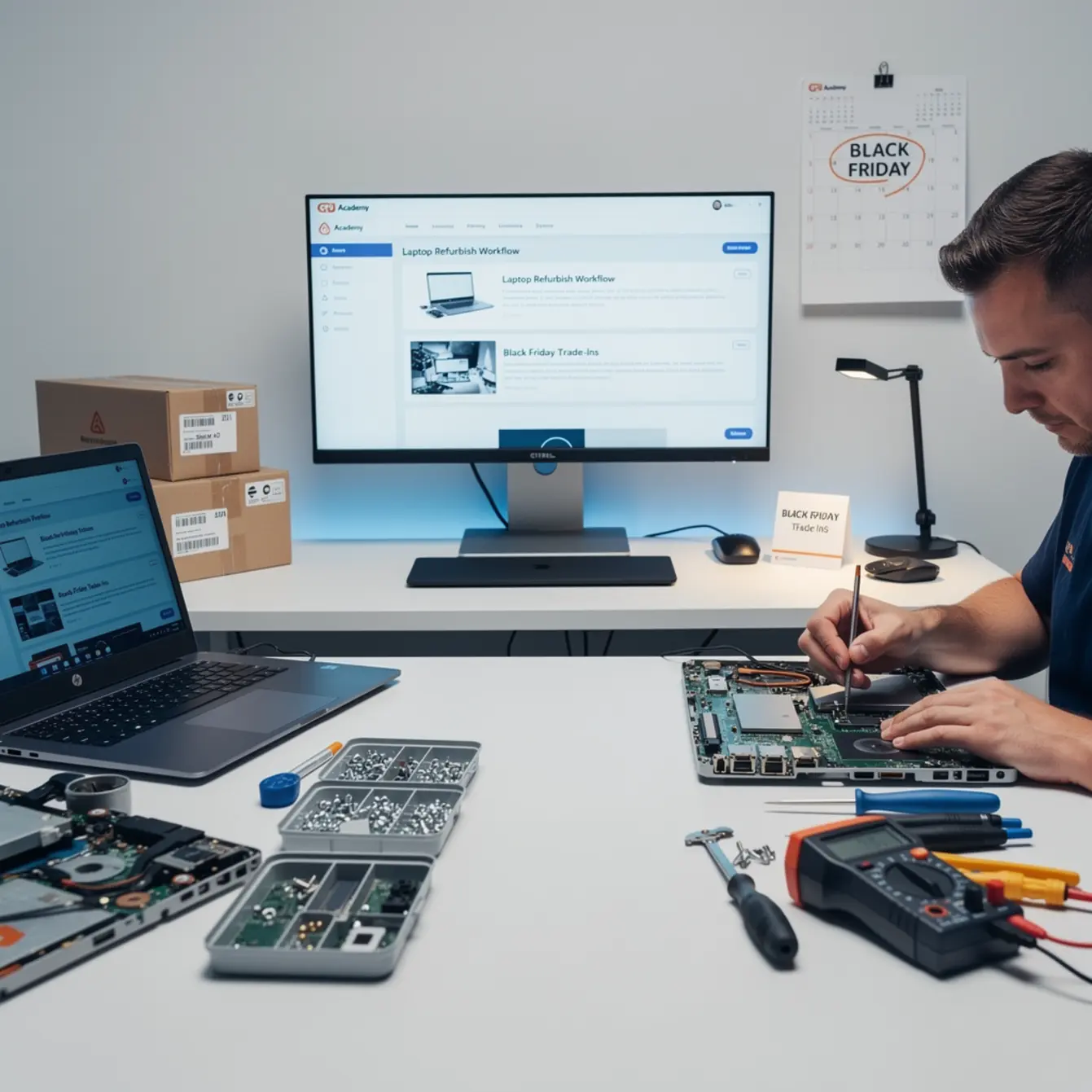
Treat the refurbish-and-resell workflow as a repeatable process, not a one-time gamble. The same steps apply to every unit: triage, wipe, repair only if the math works, list honestly. That consistency is what turns a seasonal rush into a refurbished laptop reselling routine.
Here’s a simple case example. A tech brings in three trade-in laptops. One boots clean with light wear, so it goes straight to wipe and listing. One needs a battery that costs little, so the tech fixes it. One has liquid damage on the board, so the tech sells it for parts and moves on. The third unit costs five minutes of triage instead of hours of repair.
That is the whole skill: knowing which is which. Techs who can diagnose faster waste less money on wrong buys. CPU Academy fits repair techs who want the hands-on skills to grade, refurbish, and resell Black Friday trade-in laptops profitably instead of guessing at condition.
The proof is in the workflow above. Every step, from the triage checklist to the margin worksheet, is something you can practice on real bench work. The course teaches the repair side so your grades are accurate and your fixes are efficient.
If you also fix phones, CPU Academy’s phone repair course covers that side. If you’re setting up the business around it, there is also a course on starting a mobile phone repair business. Both are separate from this laptop workflow.
If you want the repair skills that make every trade-in more profitable instead of a gamble, the next move is Laptop Repairing Course: Get Certified as a PC Technician.
For an additional repair reference while comparing a refurbish and resell laptops for Black Friday, review Back Market's pre-Black Friday refurbished tech trends report; then use this guide to choose the structured training path that fits your goals.
FAQ
Is flipping refurbished laptops profitable?
It can be, but only when you control costs. Profit depends on your purchase price, parts, time, fees, and returns. Use the formula above on every unit, with local sold prices, before you buy.
How do I wipe a laptop before reselling it?
Remove accounts and locks first, then use a method that fits the drive. SSDs need firmware Secure Erase, Sanitize, or a verified cryptographic erase, and hard drives need a verified overwrite. Reinstall the operating system, log the job, and check your local data rules.
What laptop repairs are worth doing before resale?
Cheap, high-impact fixes usually pay off: SSD or RAM upgrades, cleaning and thermal service, and keyboards or batteries when parts are low-cost. Screens are worth it only when the part cost leaves room for profit. Board-level damage rarely is.
How much can you make refurbishing laptops?
There's no honest single number. Your result is resale price minus purchase price, parts, labor, fees, and a warranty reserve. Fill in the worksheet with your own local prices to see your real margin.
Your next step: Ready to turn the holiday trade-in surge into steady income instead of guesswork? Start CPU Academy's Laptop Repairing Course: Get Certified as a PC Technician , and build the skills to refurbish and resell laptops for Black Friday with confidence.
Leave a Reply
You must be logged in to post a comment.