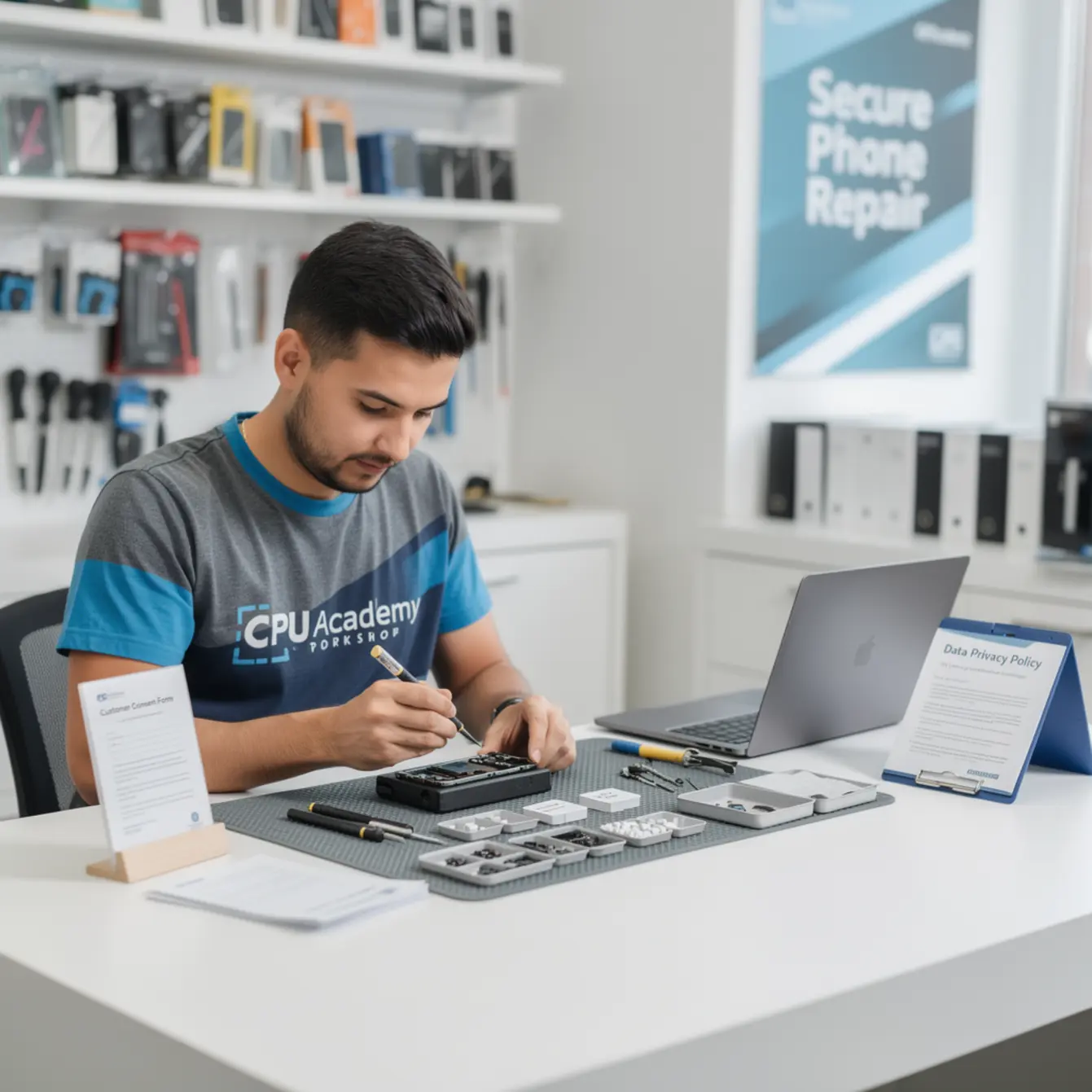
This guide is written for people building a repair shop from scratch. Someone like Jay, who wants real side income from repair skills and doesn’t want to stumble into the quiet mistakes that kill a shop’s reputation before it ever finds its footing. If that’s you, keep reading. The privacy piece is faster to set up than most techs expect, and getting it right early pays off in reviews, referrals, and repeat customers.
This article gives you the big picture. For the step-by-step business path inside CPU Academy, open Starting a Mobile Phone Repair Business: The Complete Course and see how the program is built around the exact systems a new shop owner actually needs.

Quick answer: what data privacy actually costs and why it matters
Setting up a data privacy system costs almost nothing. A one-page intake form, a cheap privacy screen on your work monitor, and a clear verbal policy at drop-off — that’s your whole foundation. No expensive software required when you’re just getting started.
What it protects is enormous. One complaint about a tech scrolling through someone’s photos can land on Google Reviews and sit there for years. A single bad review about privacy can outweigh fifty good ones in a potential customer’s head before they ever walk in your door.
There’s a legal layer too. The FTC business guidance on privacy and data security makes clear that businesses handling consumer data carry real responsibilities, even small shops. Some states stack extra rules on top of that. Knowing the basics keeps you out of situations that get expensive fast.
The real startup cost here
Your privacy setup breaks down like this: a few hours to write a one-page intake form, a folder or simple digital system to store signed copies, and a short counter script you practice until it sounds natural. The ongoing cost is just discipline — not cutting corners when you’re slammed with repairs on a Saturday afternoon.
And here’s the part people miss: small process mistakes eat into margin faster than most new owners expect. A screen replacement where you skip the intake form takes two minutes less at drop-off and potentially costs you a five-star review or a legal headache later. Part costs are already tight. You can’t afford to bleed margin on the business side too.
What this looks like in the real world
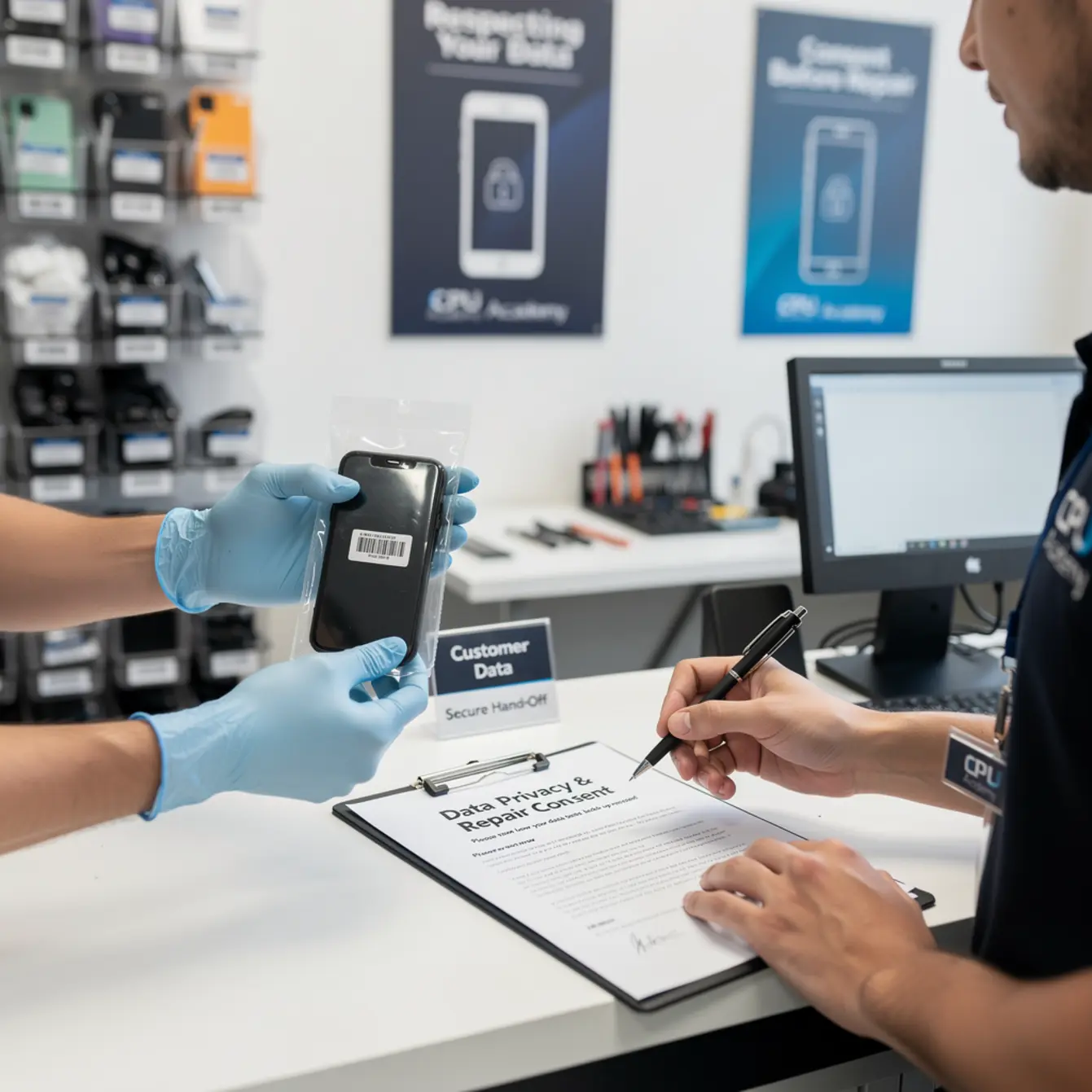
Picture a customer walking in with a cracked screen. They hand you a Samsung Galaxy with no passcode set. Before you carry it to your bench, you slide an intake form across the counter. It takes sixty seconds to fill out. It covers what repair is being done, whether a passcode is needed for testing, and a plain statement that your shop does not access personal files.
The customer signs. You note the passcode on the work order in a secure way, complete the repair, destroy the passcode record when you’re done, and hand the phone back. Simple. Clean. Professional. That whole process is what separates a trusted shop from one that makes people nervous.
Customer trust as a marketing asset
Most new shop owners miss this part: privacy done right is actually a core piece of your phone repair marketing plan. When someone sees that you take their data seriously, they tell people. Word of mouth travels faster than any flyer you’ll ever print. Your intake form is a quiet trust signal that sets you apart from the tech working out of a car trunk or a kitchen table with no paper trail.
A repair tech in a small-town shop uses a printed intake form on a clipboard at the counter. The form asks for: customer name, contact number, device model, reported issue, passcode if needed for testing, and a line that reads: “Technician will not access personal content including photos, messages, or financial apps.” The customer initials that line. The whole process takes under two minutes and has become the shop’s most-mentioned positive in word-of-mouth referrals.
Step-by-step action plan to start phone repair business with clean privacy systems
Step 1 — Write your intake form before you open
Draft a one-page form. Include: customer contact info, device details, description of the issue, passcode handling policy, estimated turnaround, and a consent line the customer signs. Keep the language plain. Ditch the legal jargon.
Step 2 — Decide on paper or digital
Paper is completely fine when you’re starting out. A clipboard and a manila folder work. If you grow, a simple repair management app can store records and send digital receipts automatically. Either way, hold onto signed forms for at least twelve months.
Step 3 — Train your counter script
Say the same thing every time a device gets dropped off. Something like: “Before I take this back, I’ll have you fill out this quick form. It covers what we’re fixing and confirms we won’t touch your personal files.” Practice it until it rolls off naturally, not like you’re reading from a cue card.
Step 4 — Set a passcode policy and stick to it
Decide upfront whether you’ll ask for a passcode only when testing requires it, or every single time. Both approaches work — consistency is the thing that matters. If a customer won’t share a passcode, your form should note that full function testing isn’t possible without it. Document that clearly. No surprises later.
Step 5 — Review state-specific rules
California’s CCPA is stricter than most states. If you operate there or serve California customers, spend an hour reviewing state requirements before you open. A basic web search and your local Small Business Development Center can get you pointed in the right direction without paying for an attorney on day one.
Simple SOP — first 30 days
Run every single repair through your intake form during that first month, even when it feels slow. By week four it’ll feel automatic. Use that time to catch gaps — did a customer ask something your form didn’t cover? Update the form. That habit of iterating on your process is what separates shops that eventually scale from ones that stay messy forever.
If you’re also working through your phone repair course curriculum and building technical skills alongside your business setup, the same principle applies: build the system once, run it every time.
Mistakes that kill profit or trust
These are the most common privacy-related mistakes new shop owners make. Each one has cost real techs real business.
- Skipping the intake form “just this once.” Once becomes a habit. A habit becomes a liability you can’t easily walk back.
- Writing passcodes on sticky notes left sitting on the counter. That’s a data breach waiting to happen. Use a secure, locked work order system instead.
- Leaving unlocked phones unattended on the bench while you help someone else at the counter. Anyone passing by can see the screen. It happens fast.
- Backing up a device without explicit written consent. Even with good intentions, that can violate a customer’s privacy expectations. Always get it in writing before touching any data.
- Having no privacy policy on your website. If you take online bookings or have a contact form, customers expect to see one. It’s also a trust signal people notice before they ever visit your shop.
- Vague pricing. A murky phone repair pricing menu erodes trust just as fast as a privacy slip does. A clear, visible pricing menu combined with an honest intake process is what builds repeat customers.
Simple checklist and intake form template
Use the table below as your starting framework. Customize it for your specific shop before you put it in front of customers.
| Item | Included on form? | Notes |
|---|---|---|
| Customer name and phone number | ✅ Required | For contact and records |
| Device make, model, and IMEI (optional) | ✅ Required | Confirms ownership, avoids disputes |
| Reported issue description | ✅ Required | Written in the customer’s own words |
| Estimated repair cost (or range) | ✅ Required | Links to your phone repair pricing menu |
| Passcode disclosure (if needed for testing) | ✅ Required | Optional field — customer initials here |
| Data access limitation statement | ✅ Required | “Technician will not access personal files” |
| Backup responsibility disclaimer | ✅ Required | “Customer is responsible for backing up data” |
| Estimated turnaround time | ✅ Recommended | Sets expectations, cuts down on follow-up calls |
| Customer signature and date | ✅ Required | This is your consent record |
| Unclaimed device policy | ✅ Recommended | What happens if the device isn’t picked up in X days |
A real case example
A mobile cell phone repair business in a mid-size US city added a privacy clause to its intake form after a customer mentioned that a previous tech at a different shop had scrolled through their photos. The owner made it a point to walk each new customer through the consent line out loud at drop-off, not just hand the form across the counter and wait.
Within three months, that specific detail started showing up in positive Google reviews. Customers wrote that they “felt safe” leaving their phone there. That trust became a real marketing asset without spending a cent on ads. It also feeds directly into a stronger cell phone repair business plan, because trust is a reputation moat competitors can’t easily copy even if they match your prices.
If you’re also building technical skills for software-related repairs, the mobile phone software repair course at CPU Academy covers the practical side of working inside a device safely. That knowledge actually complements a solid privacy policy — when you know exactly where data lives on a device, staying away from it becomes a deliberate professional choice, not just a vague rule.
FAQ + next step
Do I legally need a privacy policy if I’m just starting out as a small repair shop?
Requirements vary by state. If you have a website that collects any customer information — even a basic contact form — most states expect a privacy policy to be posted. California’s CCPA is stricter than most. At minimum, a signed intake form at the counter protects you from disputes and shows customers you take their data seriously. Check your state’s specific requirements before you open, not after something goes sideways.
What should I do if a customer’s phone has no passcode and I accidentally see private content?
Stop what you’re doing and note it on the work order. Your intake form should include a line stating the shop isn’t responsible for content visibility on unlocked devices. Best practice: ask the customer to set a temporary passcode or disable Face ID before drop-off. Train yourself to work with the screen angled away from the open counter area whenever possible.
How does data privacy tie into my phone repair pricing menu?
They’re connected through trust. A customer who already trusts your privacy process is far more likely to accept your stated price without pushing back. When your intake form looks professional and your pricing menu is visible and straightforward, those two signals together say: this is a legitimate shop. Businesses that are vague about either one tend to lose customers to whoever is clearer.
Can I store signed intake forms digitally?
Yes. A PDF saved to a password-protected folder or a repair management app with role-based access both work fine. The key is that forms stay retrievable if a dispute ever comes up, and that access is limited to the people who actually need it. Don’t store customer passcodes in plain-text documents or shared cloud drives where anyone on the account can see them.
What’s the next step after I build my privacy system?
Connect your privacy process to the rest of your business — pricing, marketing, parts sourcing, and daily workflow. These pieces work together, not separately. A solid privacy system without a clear phone repair pricing menu or a customer follow-up process still leaves money on the table. The goal is a full operating system, not just one good form sitting in a drawer.
Your next practical step
A privacy intake form is one piece of a bigger puzzle. The shops that actually grow are the ones with a full operating system from the start — intake, pricing, marketing, parts sourcing, and customer follow-up all working together instead of getting figured out one crisis at a time.
CPU Academy is built for readers who want to turn repair skill into a real small business with fewer costly beginner mistakes eating into their margin. The program is designed for exactly this situation: people who need money-aware systems, a realistic startup roadmap, and a faster path to revenue without years of expensive trial and error.
If your goal is to start phone repair business operations the right way, with solid systems in place before you open, then open Starting a Mobile Phone Repair Business: The Complete Course now and use the full business path instead of trying to guess your next move.