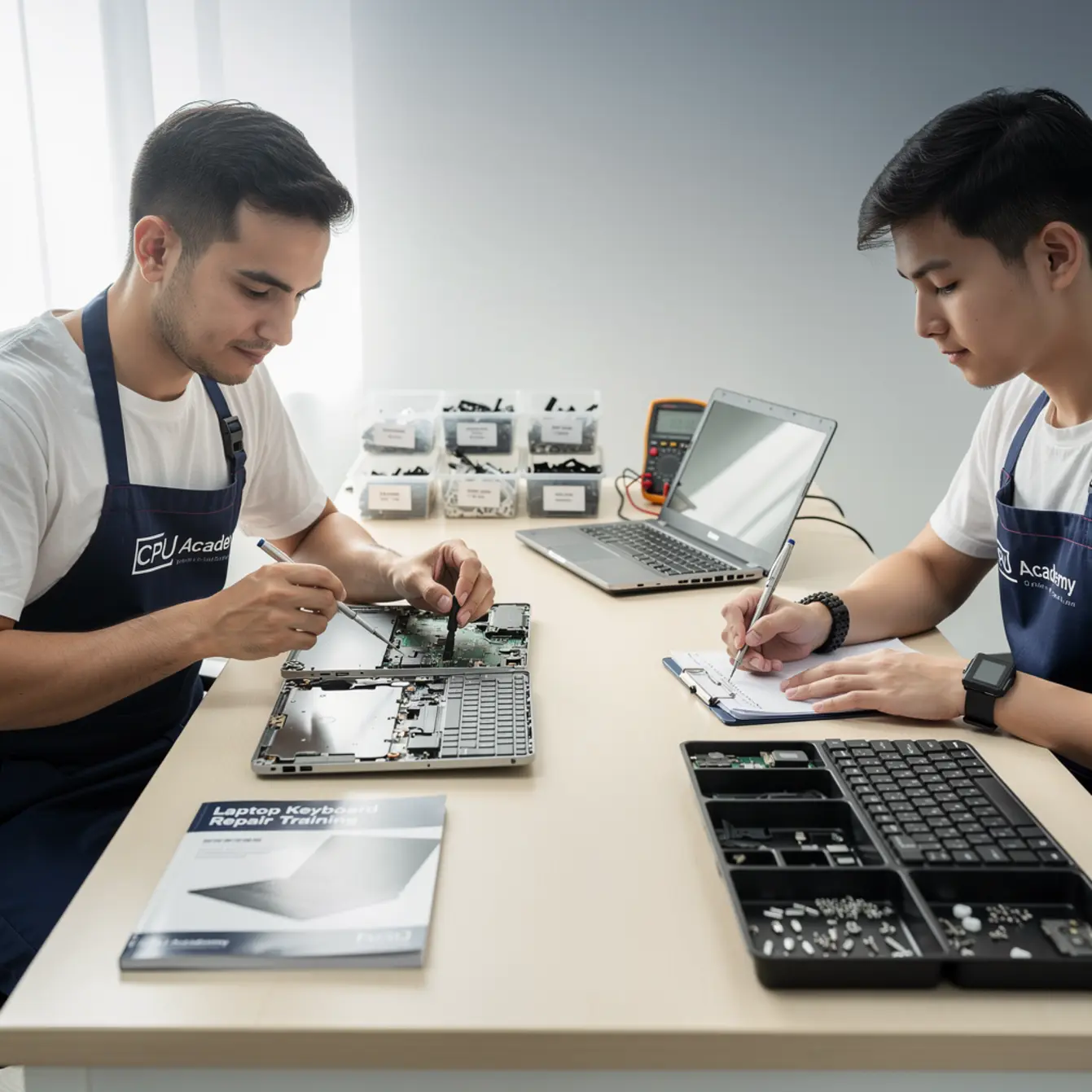
Quick answer: Laptop keyboard repair training teaches you to diagnose, clean, and replace a laptop keyboard safely — usually in under an hour once you know the steps. It is the right starting skill for anyone who wants fast, billable results without expensive equipment. Beginners who learn proper disassembly and ESD safety can fix the most common keyboard failures from day one and charge confidently for the work.
Picture this: a customer walks in with a laptop where half the keys stopped working after a coffee spill. She almost bought a new machine. Instead, you spend 45 minutes replacing the keyboard, charge a fair labor fee, and she walks out happy. That one job paid for the tools. Keyboard failures are one of the highest-volume laptop repair requests in the US, and learning this skill properly is one of the fastest ways to turn a laptop repair hobby into real income.
This guide covers the exact workflow a beginner needs — diagnosis, tools, step-by-step replacement, common failure patterns, and how to price the work. There is one question most beginners skip, though: what do you do when a keyboard job turns into something bigger? That answer is in here too. If you want the full structured path beyond keyboards, CPU Academy’s How to Replace Laptop Screen: A DIY Repair Course walks you through every common laptop repair in a logical sequence built for people who want safe habits and sellable skills.
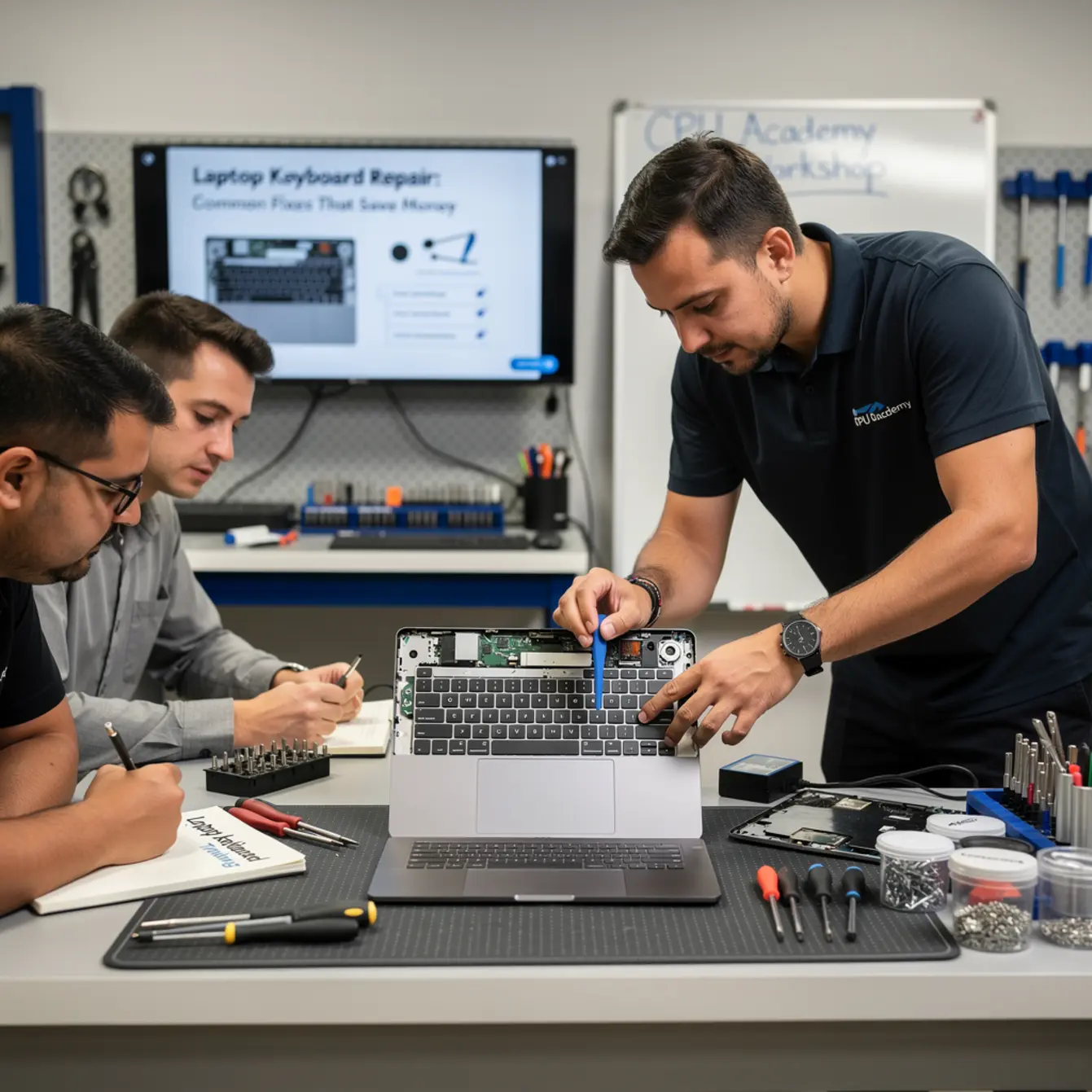
Quick Diagnosis: Is It the Keyboard or Something Else?
Before you touch a single screw, confirm the keyboard is actually the problem. A slow or unresponsive laptop can fool you into replacing a keyboard that is perfectly fine.
Run through these checks in order. Each one takes under two minutes and saves you from tearing into a machine unnecessarily.
Diagnosis Checklist
⚠️ Beginner mistake: Skipping software checks and going straight to disassembly. Always rule out drivers and OS issues first — a $0 fix beats a $20 replacement part every time.
- ✅ Plug in a USB keyboard. If it works, the fault is in the built-in keyboard, not the OS or motherboard.
- ✅ Open Device Manager (Windows) or System Information (Mac). Look for keyboard errors or missing drivers.
- ✅ Run a key-test tool (free browser tools exist) to map exactly which keys fail. Note the pattern.
- ✅ Check for physical damage. Bent keys, sticky residue, or visible corrosion after liquid exposure are clear physical faults.
- ✅ Inspect the ribbon cable connector. A loose cable causes partial key failure and looks exactly like a dead keyboard — but it is not.
- ✅ Ask the customer about any recent liquid contact. Even a small spill can corrode the membrane over the following days.
If the USB keyboard works fine and physical damage is visible, you have a hardware fault. That means disassembly and replacement, which is exactly what the rest of this guide covers.

Tools, Parts, and Safety Checks
The Tools You Actually Need
You do not need a full electronics lab to replace a laptop keyboard. A focused starter kit handles most jobs without breaking the bank.
| Tool | Why You Need It | Beginner Priority |
|---|---|---|
| JIS / Phillips screwdriver set | Most laptop screws are JIS or fine Phillips; wrong driver strips heads fast | 🔴 Essential |
| Plastic pry tools / spudger set | Opens clips without scratching the chassis | 🔴 Essential |
| Anti-static wrist strap + mat | Protects the motherboard from static discharge during work | 🔴 Essential |
| Magnetic screw tray or mat | Keeps tiny screws organized by removal order | 🟡 Strongly recommended |
| Isopropyl alcohol (90%+) + swabs | Cleans corrosion from liquid spills before replacement | 🟡 Strongly recommended |
| Tweezers (fine-tip, non-magnetic) | Handles ribbon cables and tiny clips without bending them | 🟡 Strongly recommended |
| Replacement keyboard (model-specific) | Match the exact model number — layouts vary even within the same brand line | 🔴 Essential for replacement jobs |
Safety Note Before You Open Anything
Always disconnect the battery before touching any internal components. On most modern laptops this means unplugging the battery ribbon cable from the motherboard after you open the back panel — not just shutting the laptop down. A live battery during disassembly is how keyboards and motherboards get fried, and that mistake is expensive to explain to a customer.
Confirm the replacement keyboard part number before ordering. Most suppliers list the keyboard by laptop model number, found on the bottom label. A wrong part wastes time and money, especially on jobs you already quoted to a customer.
Step-by-Step Repair Workflow
Replacement Steps
The exact screw count and clip arrangement varies by brand, but the core sequence is consistent across most consumer laptops. Learn this sequence once and it transfers to most machines you will see.
- Document the original state. Take a phone photo of the keyboard, ports, and back panel before touching anything. You will thank yourself during reassembly.
- Power off and unplug the charger. Hold the power button five seconds after shutdown to drain any residual charge.
- Remove the back panel. Use the correct screwdriver for each screw type. Place screws in order on your magnetic mat — some panels use different screw lengths in different positions, and mixing them up causes stripped threads.
- Disconnect the battery cable from the motherboard. Use a spudger, not a screwdriver, to avoid damaging the connector.
- Locate the keyboard ribbon cable. It connects to a ZIF (zero insertion force) connector on the motherboard. Flip up the small locking tab with a spudger before pulling the ribbon — forcing it without releasing the latch breaks the connector clean off.
- Remove the keyboard. On most laptops the keyboard is held by internal clips accessed from the top side, or by screws visible after the back panel is off. Pry gently and evenly — rushing causes broken clips that are annoying to explain and hard to source.
- Clean the area. If liquid damage is present, clean corrosion with IPA and swabs before installing the new keyboard. Do not skip this step on spill jobs.
- Seat the new keyboard. Align the clips or screws, slide the ribbon cable fully into the ZIF connector, and lock the latch down before you do anything else. Poor ribbon-cable seating is the number one cause of a “failed repair” that was actually just an unseated connector.
- Test a few keys before full reassembly. Plug in power, boot up, and press a handful of keys across different rows. Catching a misseated cable now takes thirty seconds to fix. Catching it after the back panel is fully closed costs you another full disassembly.
- Reconnect the battery. Close the back panel and replace screws in reverse order.
- Test every key before handing the laptop back. Use a full keyboard test so nothing gets missed.
Testing Workflow
Boot the laptop and open a browser key-test page or a plain text editor. Press every key including function keys, the number row, and the trackpad buttons.
Confirm the keyboard layout matches the customer’s OS language setting. A missed key at this stage means reopening the machine, so check thoroughly now rather than getting a callback tomorrow.
Typical Failure Patterns and Shortcuts
Understanding why keyboards fail helps you quote accurately and spot jobs that need more work than a simple swap. These patterns repeat constantly once you start taking on volume.
Liquid damage is the most common cause. Cola and coffee leave sticky residue that bridges contacts. Sometimes cleaning alone restores the keyboard. If corrosion has reached the membrane or the flex cable, replacement is needed. Always check the motherboard area beneath the keyboard for corrosion too — a laptop liquid damage repair course covers this in detail because spills affect multiple components at once, not just the keyboard.
Single key failure is often a loose or broken keycap retainer clip. Replacement clips or keycap kits are cheaper than a full keyboard. Confirm this is the only fault before quoting the cheaper fix, because sometimes one dead key is just the visible symptom of a deeper membrane issue.
Partial row failure follows a very specific pattern: one complete row of keys goes dead while everything else works. A loose ribbon cable causes exactly this. Reseat the cable before ordering a new keyboard. This five-minute fix saves the customer real money and builds the kind of trust that generates referrals.
Full keyboard dead after an OS update is almost always a driver conflict, not a hardware fault. Roll back the keyboard driver in Device Manager. Charge a diagnostic fee, not a hardware repair fee — and document what you found so the customer understands the difference.
Backlight not working but keys respond normally means the backlight layer has failed separately. On some models the LED layer is independent of the membrane. The keyboard works but needs replacement to restore the backlight, and how you source the part changes based on that diagnosis.
Case example — the coffee spill: A college student brought in a Dell Inspiron where the entire top row stopped working two days after a coffee spill. The ribbon cable showed light corrosion at the connector end. Cleaning with IPA restored partial function but three keys stayed dead. A model-matched replacement keyboard fixed everything completely. Total hands-on time: under one hour. The key lesson here was not the cleaning technique. It was recognizing the pattern — partial failure after liquid, clean first then honestly assess what is left — and avoiding an unnecessary full replacement on a job that might have been a $5 cleaning.
Recognizing these patterns quickly is what separates a trained technician from someone following a YouTube video step by step on every single job.
When This Skill Becomes Billable Work
Upsell Opportunities on Every Keyboard Job
Every keyboard repair opens the laptop. That gives you a natural, honest reason to inspect other components and mention any issues to the customer.
Common upsells that are genuinely helpful, not pushy:
- Thermal paste replacement. While the back panel is off, check if the heatsink area shows dried or cracked paste. Overheating laptops show this regularly. A fresh application takes ten minutes and the customer notices the difference.
- RAM or SSD upgrade. If the machine is slow and has an open slot, mention the option. The disassembly cost is already absorbed into the keyboard job.
- Screen inspection. If the customer mentions display issues, look while you have the machine open. A cracked screen is a separate billable job — and knowing how to handle it is covered in a dedicated laptop screen replacement course if you want to add that skill to your menu.
- Fan cleaning. Dust-clogged fans are visible the moment the back panel comes off. Offer a clean-out while it is already open. Most customers say yes.
Building a reputation for honest, thorough inspections brings repeat customers and referrals. That is worth more long-term than any single upsell transaction.
Pricing Logic for Beginners
Do not guess at pricing. Look at what local shops in your area charge for keyboard replacement, then position your rate competitively while you build volume and reviews.
Parts cost plus one to two hours of labor is a common starting formula. As your speed improves with repetition across different models, your effective hourly rate climbs even if your flat fee stays the same.
Keyboard repair pairs naturally with other common fixes. Skills like power jack repair (loose charging ports are extremely common), liquid damage cleanup, and screen replacement each open a new customer category and keep the phone ringing on slower weeks. The laptop repair course online format at CPU Academy fits learners who want to add these skills between real jobs without committing to fixed class schedules.
If you are also interested in expanding into mobile devices alongside laptop work, CPU Academy’s phone repair course covers the same structured approach for smartphones — useful if you want to handle both device types at a single workbench without splitting your focus across two different learning paths.
FAQ + Next Step
Frequently Asked Questions
- What should I look for in a laptop keyboard repair training program?
- Look for a course that covers safe disassembly, ESD protection, ribbon cable handling, and how to source model-specific parts. Theory without hands-on workflow leaves gaps that cost you time on real jobs.
- A solid program also covers what to do when a keyboard job reveals a deeper fault, like liquid damage spreading to a connector or the motherboard. That context is what separates a training course from a tutorial video.
- Is laptop keyboard repair worth learning as a beginner?
- Yes, for two clear reasons. First, keyboard failures are extremely common, so demand is steady year-round. Second, the skill teaches core disassembly habits that transfer directly to harder repairs like screen replacement, power jack repair, and liquid damage cleanup.
- It is one of the best entry points into laptop repair because the payoff is fast and the learning curve is manageable from the start.
- Which course is best for beginners who want to learn laptop repair online?
- A laptop repair course online works well for beginners who need flexibility around a day job or other commitments. The right choice depends on whether the course covers safe disassembly, common fault diagnosis, and practical repair workflows — not just component theory.
- CPU Academy’s structured approach is built for learners who want guided practice rather than a collection of isolated tutorials that leave them guessing on real jobs.
- How long does it take to learn laptop keyboard replacement?
- The basic replacement technique can be picked up in a few focused sessions. Your first job will likely take 60 to 90 minutes, including diagnosis and testing. With repetition across different models, 30 to 45 minutes becomes realistic.
- Speed comes from pattern recognition — knowing where clips are on common chassis types, how ZIF connectors behave, and which screws are structural versus cosmetic.
- Can I learn laptop keyboard repair without prior electronics experience?
- Yes. Keyboard replacement does not require soldering or circuit-level knowledge. It requires patience, the right tools, and a systematic approach to disassembly and testing.
- The safety habits — ESD protection, battery disconnection, proper cable handling — are simple rules that become second nature after a handful of jobs. Starting with a structured course prevents the expensive mistakes that come from learning by trial and error on customer machines.
- What other skills should I add after keyboard repair?
- Screen replacement and power jack repair are the natural next steps. They follow similar disassembly workflows and represent two of the highest-demand repair categories most shops see regularly.
- A laptop liquid damage repair course is also worth prioritizing early, because spills are the leading cause of keyboard faults and often affect the motherboard at the same time. Each skill you add expands the range of jobs you can take on confidently and quote without hesitation.
Your Next Practical Step
Keyboard repair is a strong entry point, but it is one piece of a complete laptop technician skill set. If you are serious about building real income from laptop repairs — not just fixing your own machines — a structured learning path matters more than a growing playlist of unconnected tutorials.
Laptop keyboard repair training taught through isolated videos leaves gaps in diagnosis habits, ESD safety, and the business side of repair work. A course that sequences the skills logically, from disassembly basics through common faults to billable workflows, shortens that learning curve significantly and keeps you from learning hard lessons on a customer’s machine.
Ready to learn laptop repair in a structured way instead of collecting scattered tips? Open CPU Academy’s How to Replace Laptop Screen: A DIY Repair Course and take the next step now. The course is built for learners who want safe habits, real repair outcomes, and a clear path from first disassembly to confident, billable work.
If you are also thinking about growing beyond individual repairs into running your own operation, CPU Academy’s guide to starting a repair business covers the business side of the same skill set — pricing, customer flow, and making the whole thing sustainable.